
Quick answer
To keep listening in a music service, use its offline downloads. For MP3 or M4A files, import directly into TuneTrace. For permitted audio that only plays in an app, try recording it. A service’s cache is not an ordinary audio file.
Step by step
4 stepsDownload to keep listening in the original app
Use a music service’s download option if your plan supports it, then try playback offline. Downloads may require an active subscription and periodic online checks.
Import individual audio files
Open TuneTrace’s Library, tap the top-left import arrow and choose your MP3 or M4A files. Once imported, they are ready for offline playback.

Find songs, playlists, and recordings in the Library Split a file containing several songs
On the recording page, tap “Import Audio”. Split the long file into songs or chapters, then save them. Imported and recorded tracks can share one playlist.
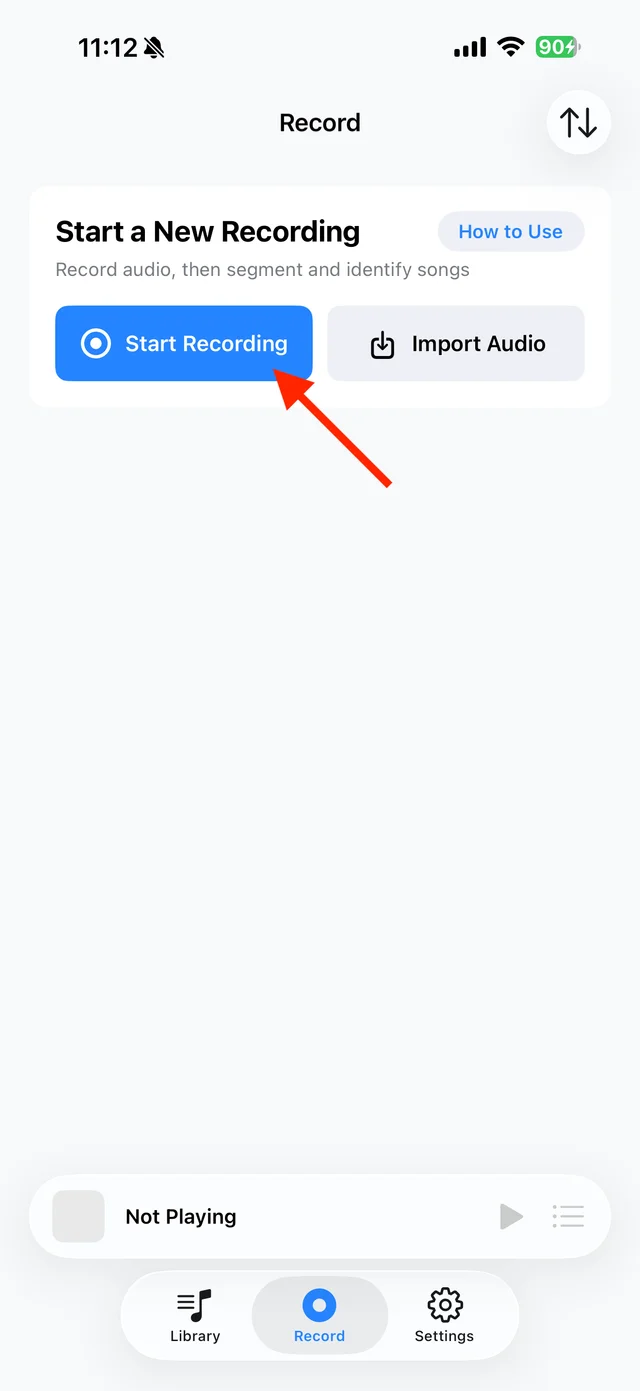
Use “Import Audio” on the recording page for a long file Try recording audio that only plays in an app
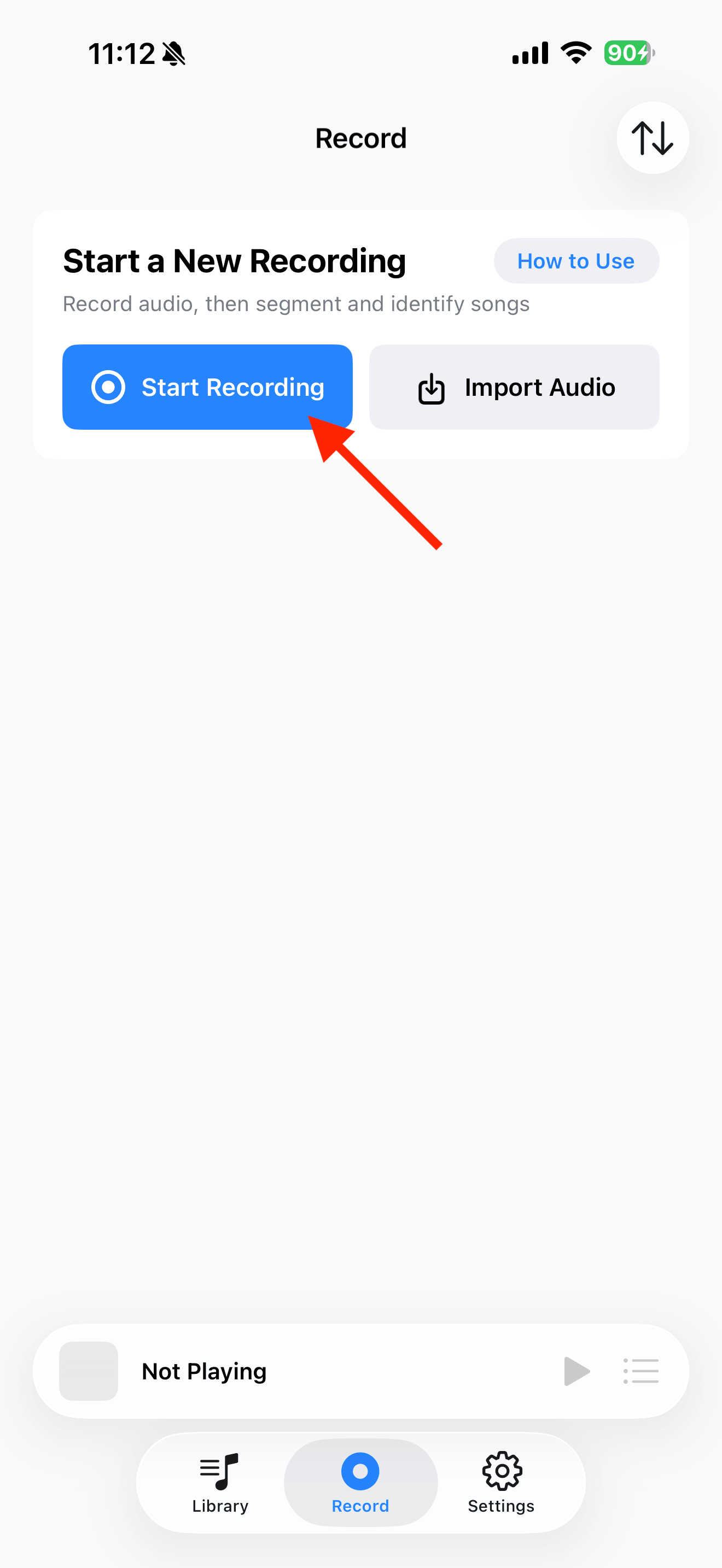
Start a short recording with “Start Recording → Start Broadcast”. Stop and listen back. If sound is captured, record the full content with the screen awake, then save to Library.

Select the tracks you want to keep and save them


Common questions
Why can’t TuneTrace find songs marked “Downloaded” in another app?
That app’s cache is not an ordinary file in Files. TuneTrace needs an accessible audio file to import.
Does a playlist link count as an audio file?
No. Playlist links and song-sharing cards cannot be imported as MP3 files.