
Quick answer
Spotify Premium lets you download playlists for offline listening in Spotify. To keep permitted audio in TuneTrace, try a short recording before recording the whole song. If you already have ordinary audio files, import them directly.
Your first 30 saved songs play in full for free, forever. Unlock more with a one-time purchase.
Step by step
5 stepsUse Spotify downloads with Premium
Add songs to a playlist and tap its download button. After downloading, try playback in airplane mode. Connect Spotify to the internet at least every 30 days to keep downloads available.
Play through this iPhone
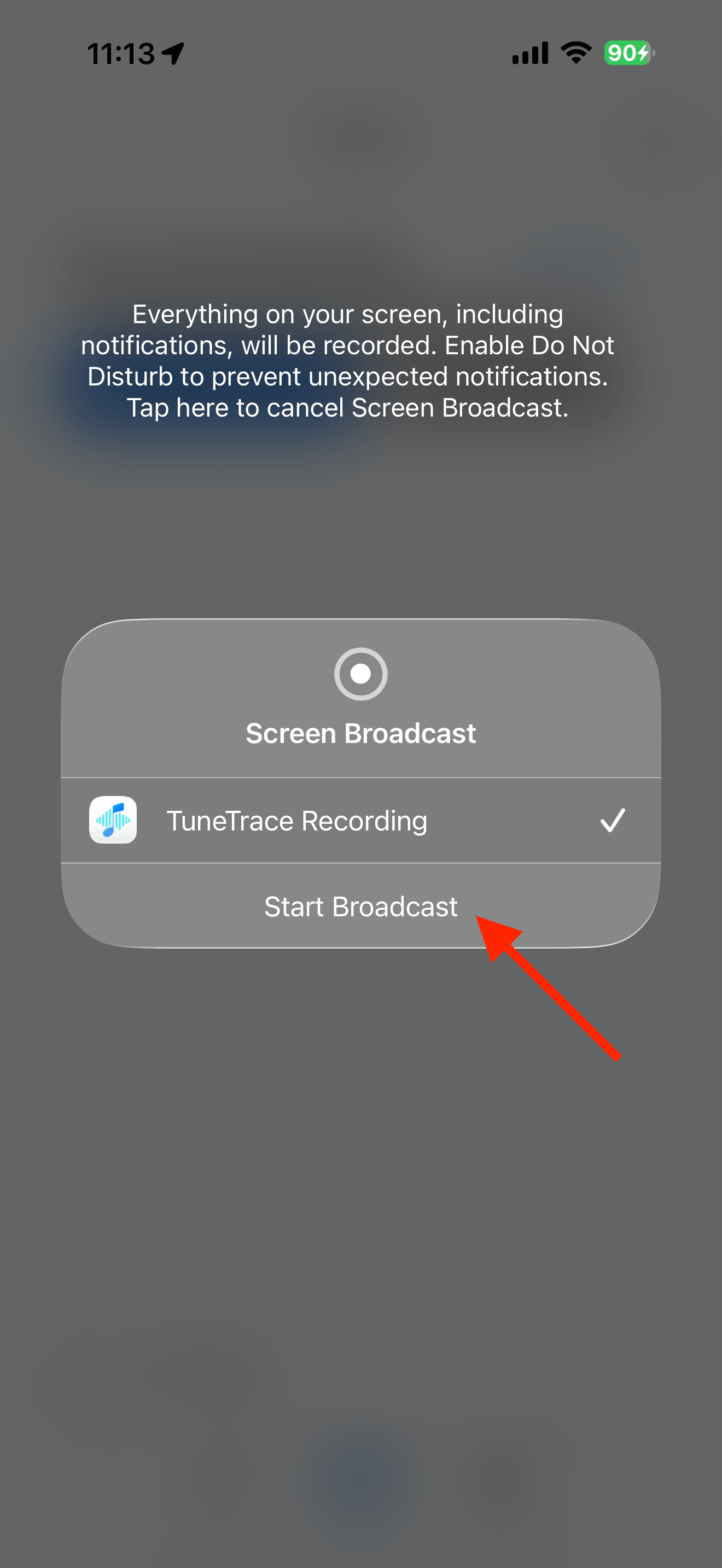
Use Spotify’s device picker to select your iPhone. In TuneTrace, tap “Start Recording → Start Broadcast”, then return to Spotify and play the song.
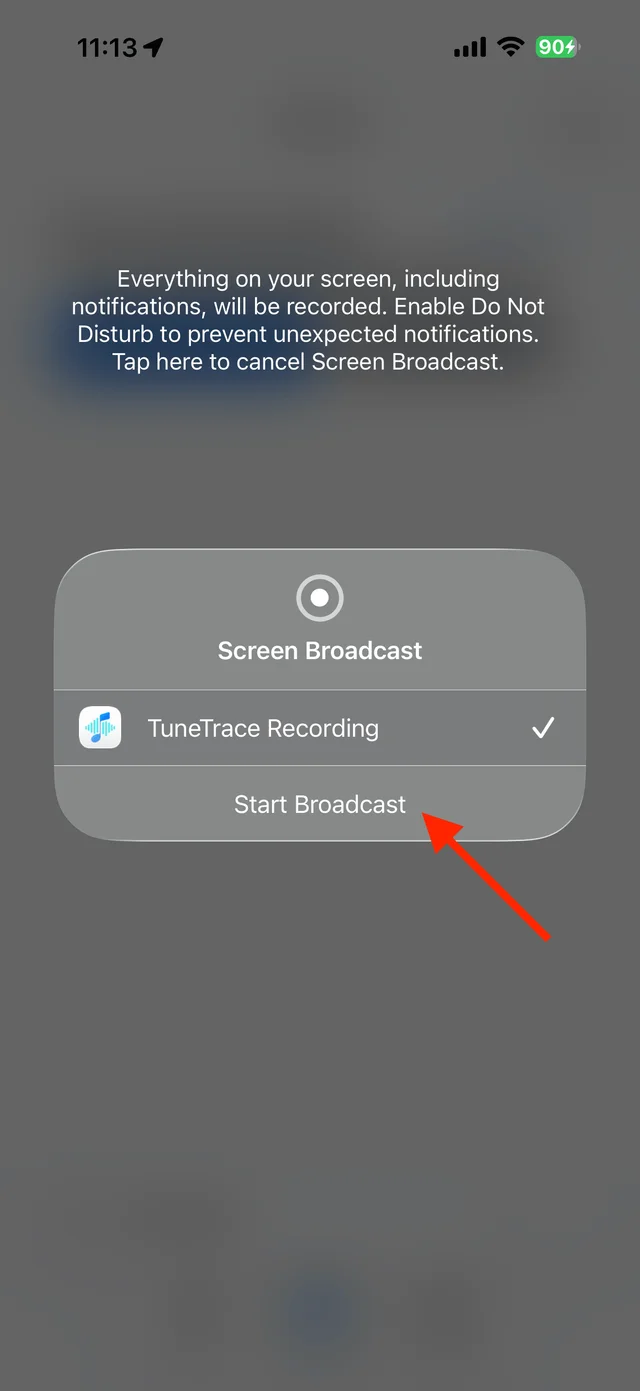
Start the system broadcast in TuneTrace Record briefly and listen back
Keep the screen awake. After about 15 seconds, stop and listen in TuneTrace. If sound is captured, record the song again from start to finish. If it stays silent, use an audio file instead.
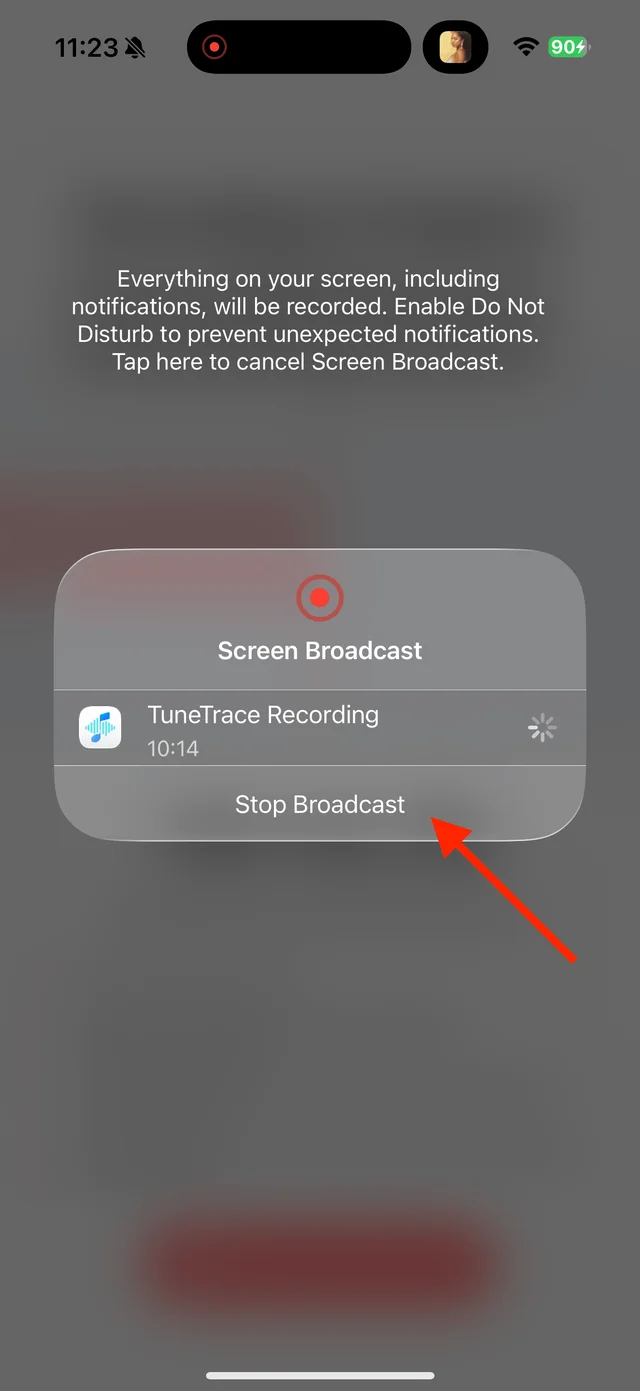
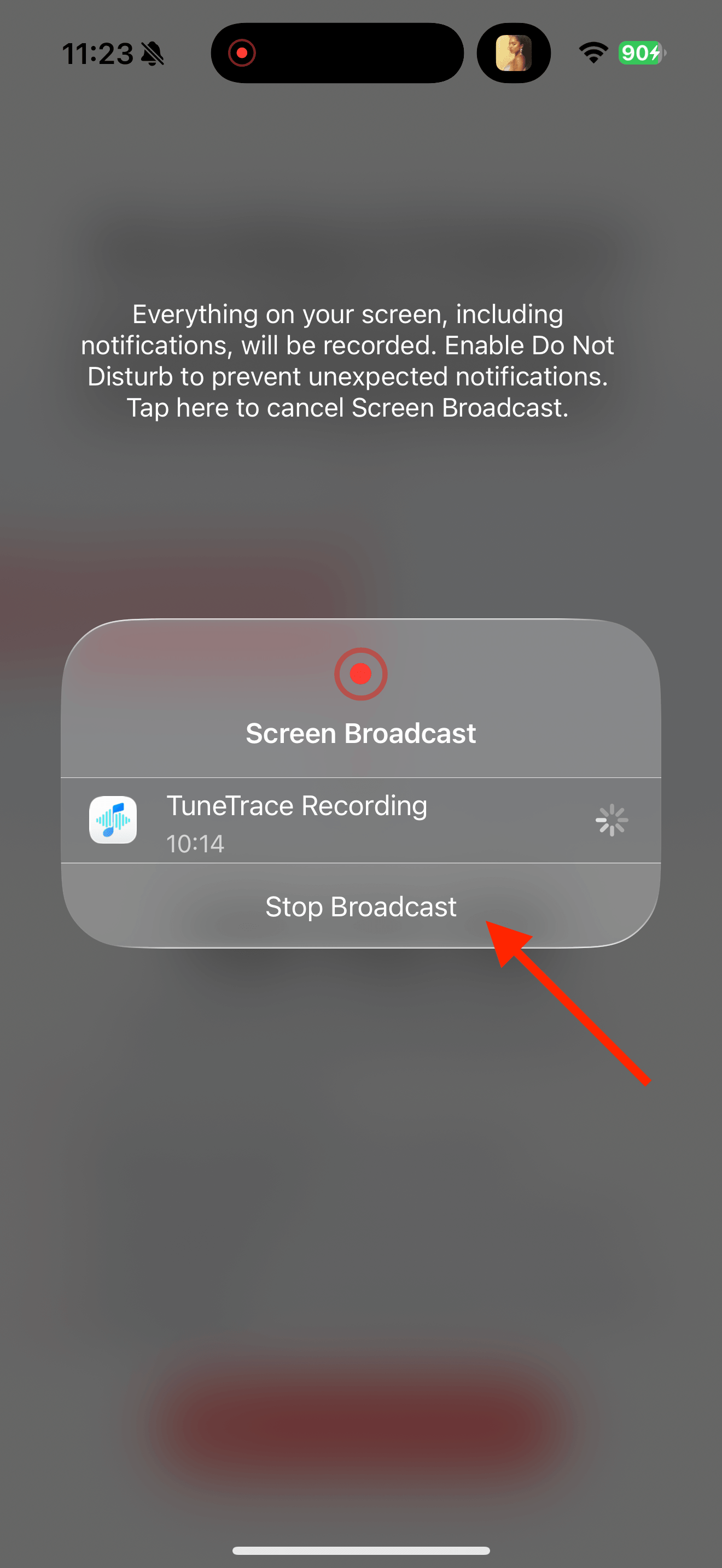
Stop the short recording and check the sound Identify and save the complete recording
Stop the broadcast, tap “Identify Songs”, and check the version and boundaries. Cut out separate ads if needed, then select the tracks to save to your library.

Select the tracks you want to keep and save them Import files you already have
Save usable MP3 or M4A files in Files. Use the top-left import arrow in TuneTrace’s Library to add them. Spotify’s download cache cannot be imported.

Find songs, playlists, and recordings in the Library


Common questions
Can Spotify downloads be moved into TuneTrace?
No. Spotify’s iPhone downloads are encrypted. TuneTrace needs accessible audio files such as MP3 or M4A.
Can I paste a Spotify link to get the audio?
No. TuneTrace does not download songs from Spotify links or turn previews into full tracks.
Can a free account download songs?
Spotify music downloads require Premium. With a free account, try a short recording to check whether audio can be captured. Any ads that play will also be recorded.
Only record audio you have permission to save. The source app or iOS may restrict recording.