
Quick answer
Check both the recording and the playback output.
Check playback volume and headphones, then confirm that the system broadcast started and the source app is playing. Record about ten seconds and listen back.
Some sources restrict recording. If only one source stays silent, import an existing audio file instead.
Step by step
5 stepsCheck playback volume and output
Play a known working track in TuneTrace and raise the playback volume. Check whether sound is going to Bluetooth headphones or another device.

Check volume and audio output in the player Confirm the recording started
Tap “Start Recording” in TuneTrace, then “Start Broadcast” in the system dialog. Wait for recording to start; opening the app alone does not start it.
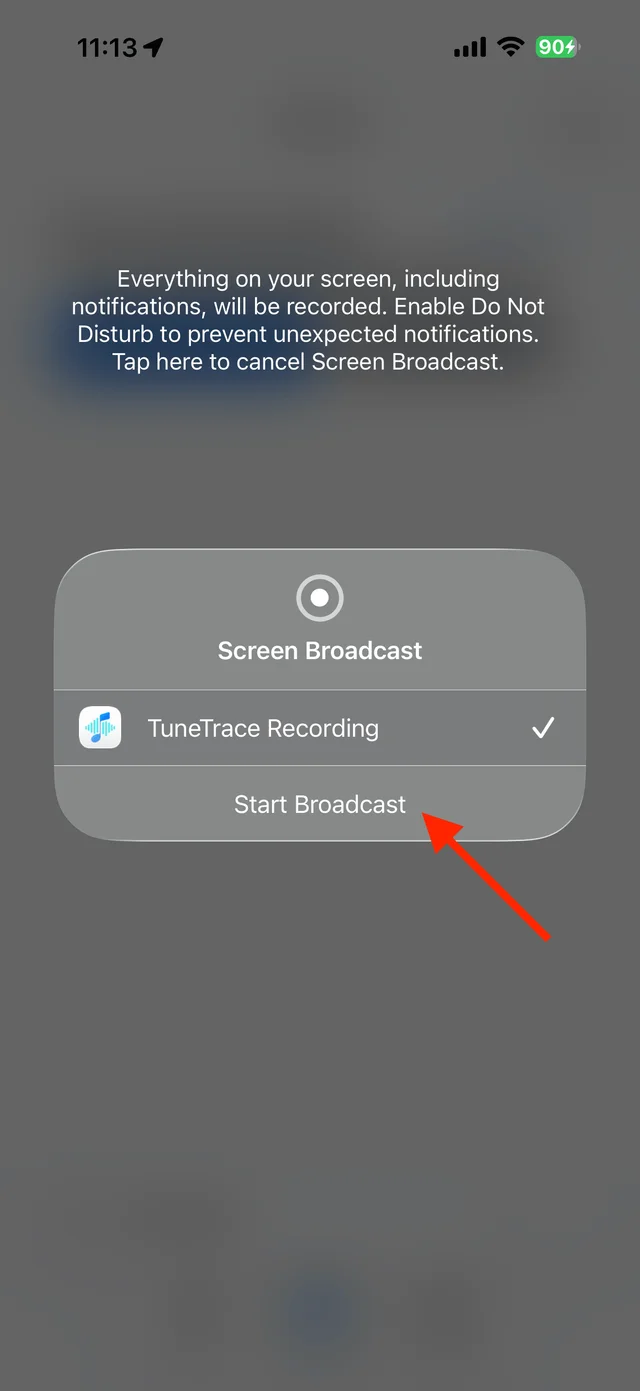
Confirm “Start Broadcast” in the system dialog Play a short source sample
Switch to the source app and confirm that the audio is playing, rather than paused or loading. Keep the screen awake and record for more than ten seconds.
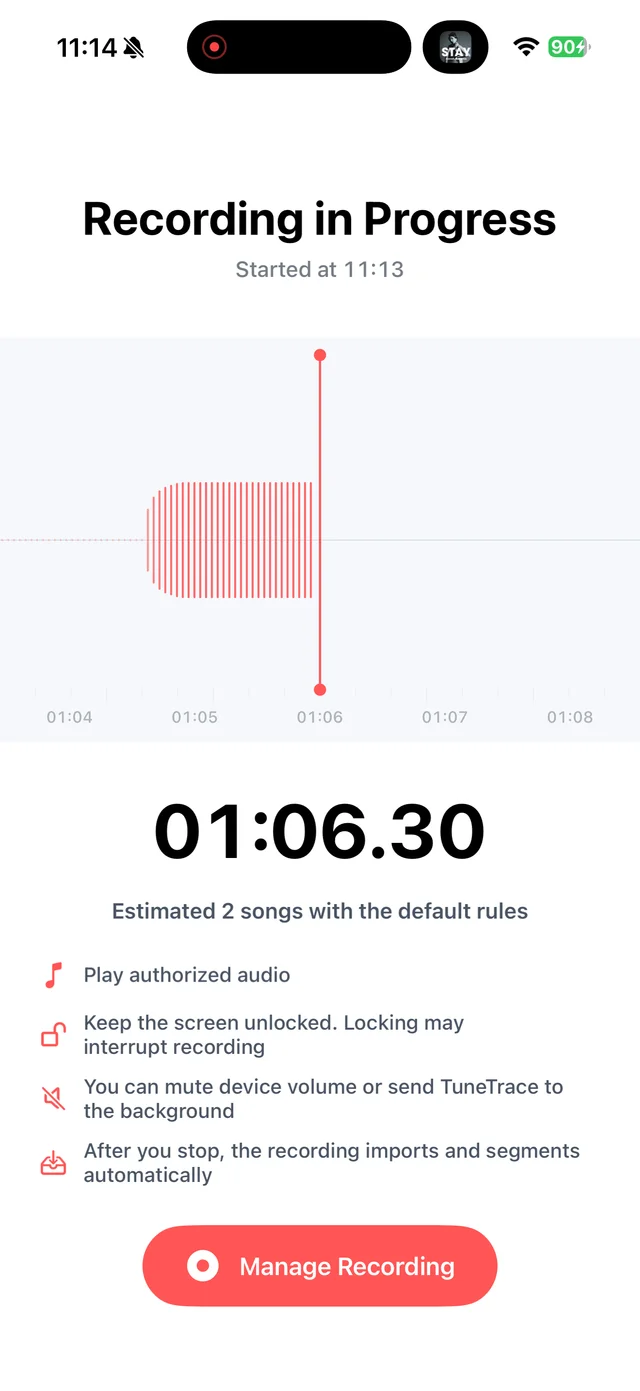
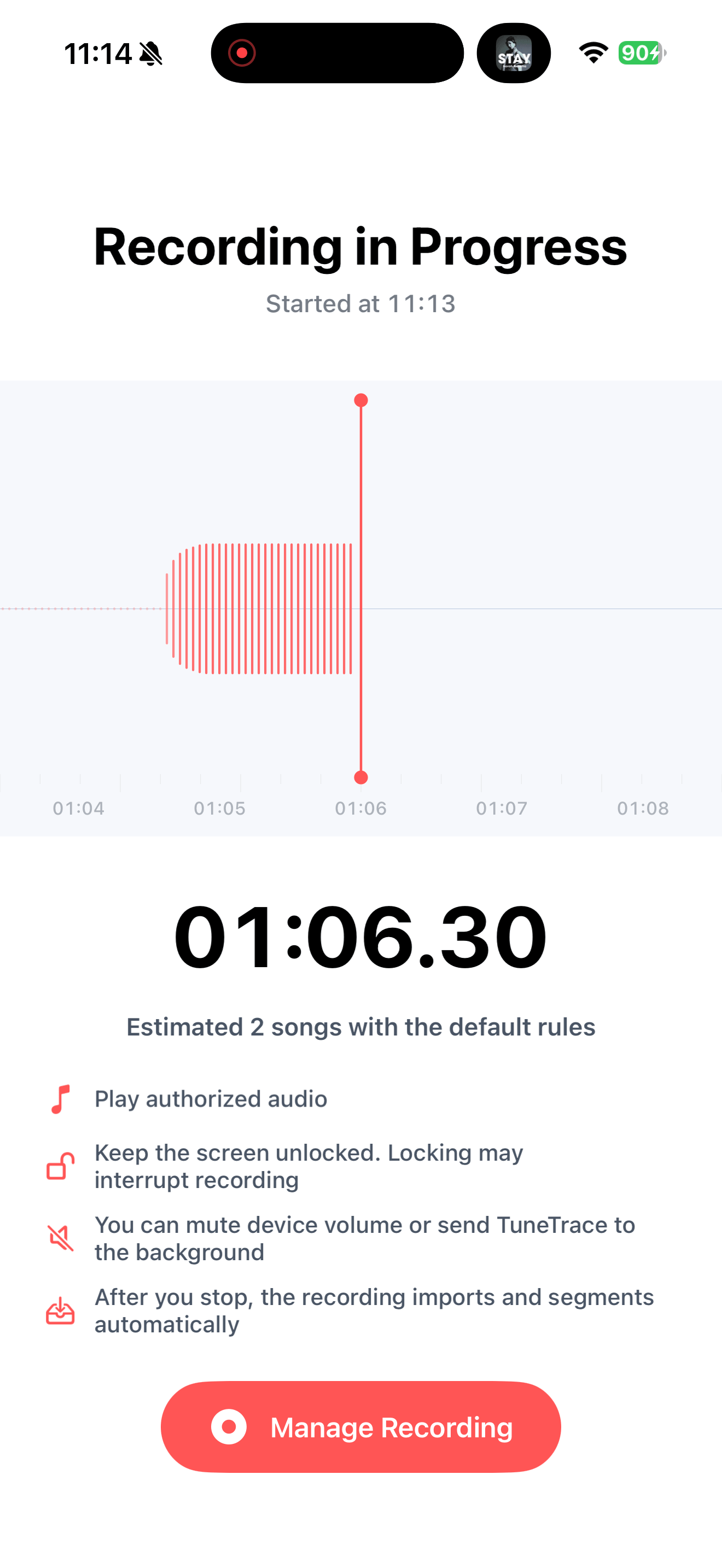
Check recording status in TuneTrace Stop and listen back
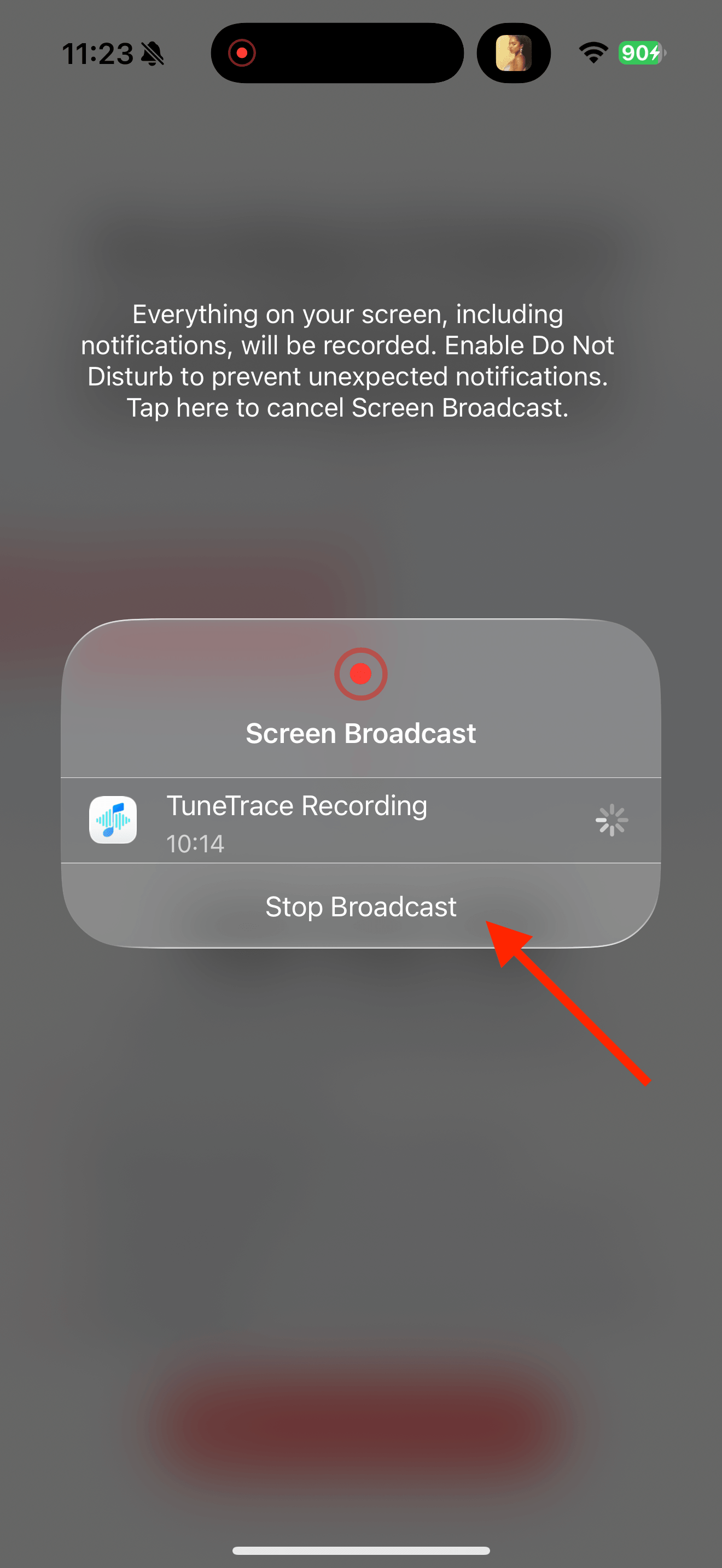
Use “Manage Recording” → “Stop Broadcast”, then play the imported sample. Once it works, record the full content with the same steps.
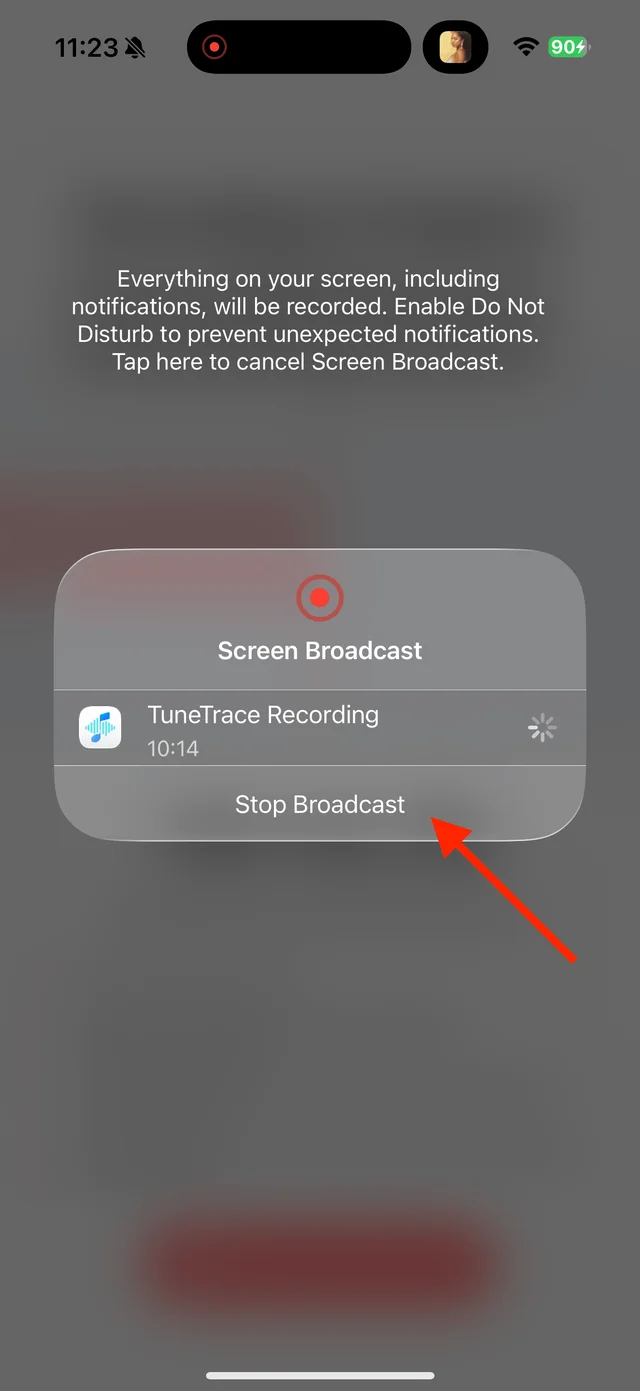
Stop the short recording and listen back Compare another source
Try another short recording you can make. If only one source stays silent, it may have source or system restrictions. Import an ordinary audio file instead if you have one.

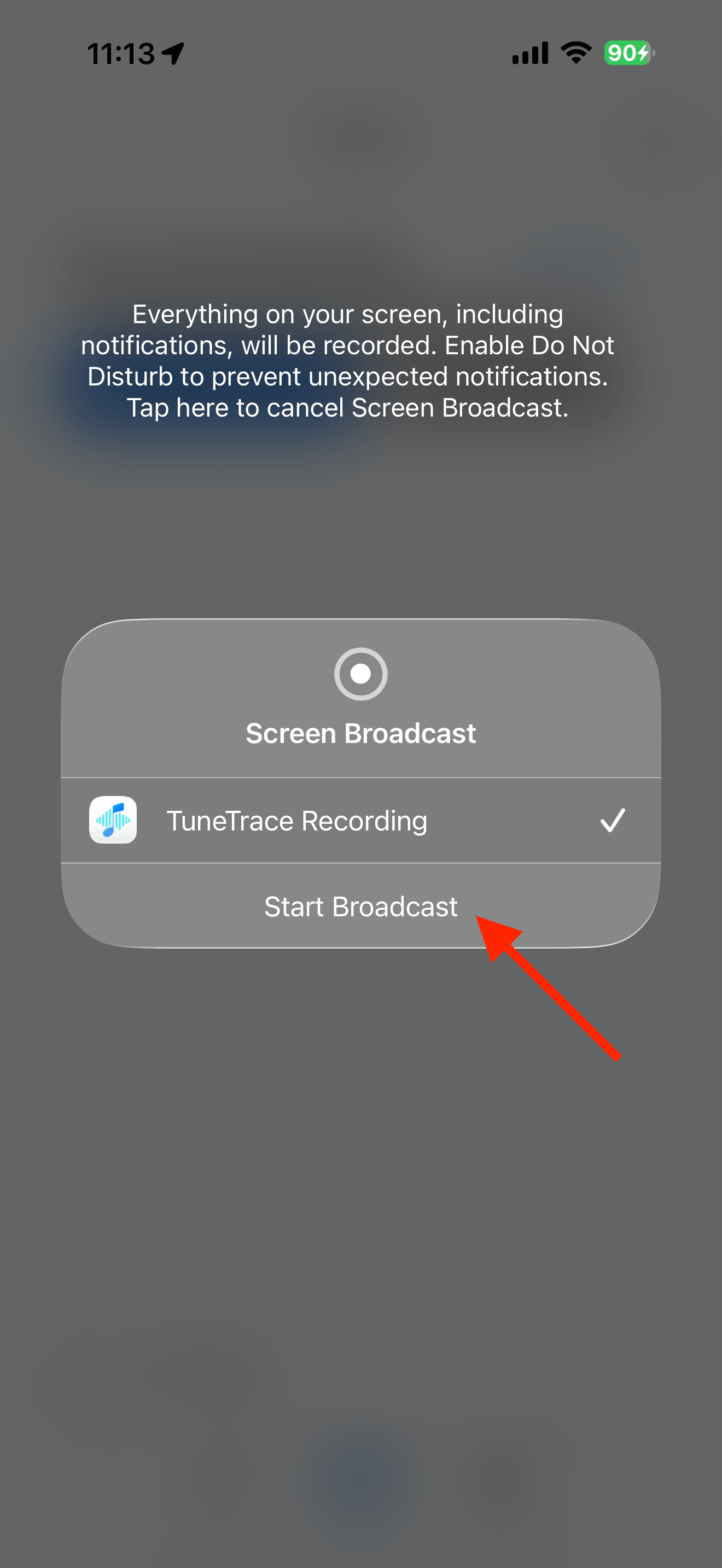
Common questions
Does a moving waveform prove that everything was recorded?
No. It indicates audio input, but you still need to listen to check the content and its beginning and end.
Does lowering the phone volume make the recording silent?
TuneTrace’s app-audio recording allows a low phone volume. Raise the playback volume while checking so inaudible output is not mistaken for a silent file.
Must I record everything again if only one part is silent?
Keep complete, usable segments and record only the affected content again.
Recording depends on iOS and the source app. Only save audio you have permission to record.