
Quick answer
Import listening material, cut out a complete passage, slow it down, and repeat it. Enable resume playback for long lessons to continue from your last position.
Step by step
4 stepsImport the listening material
Use “Import Audio” on the recording page for a file you can use. Listen and choose the passage to practice. Files already divided into chapters can go straight into the Library.
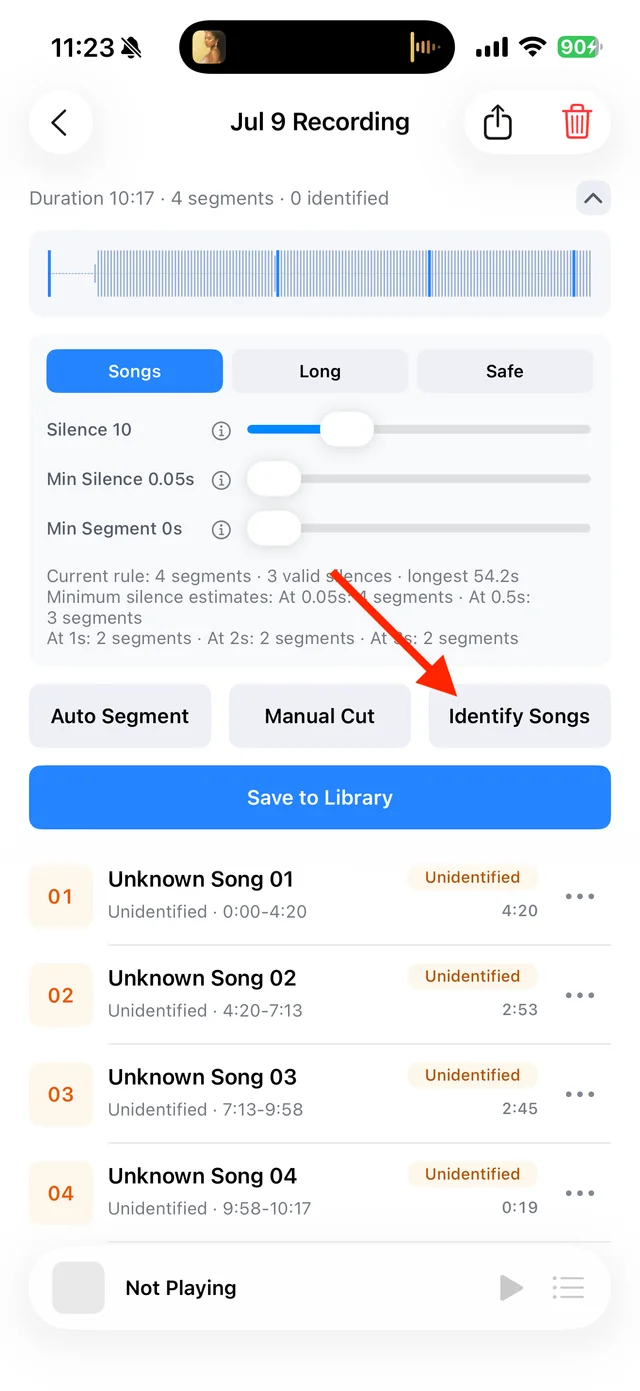
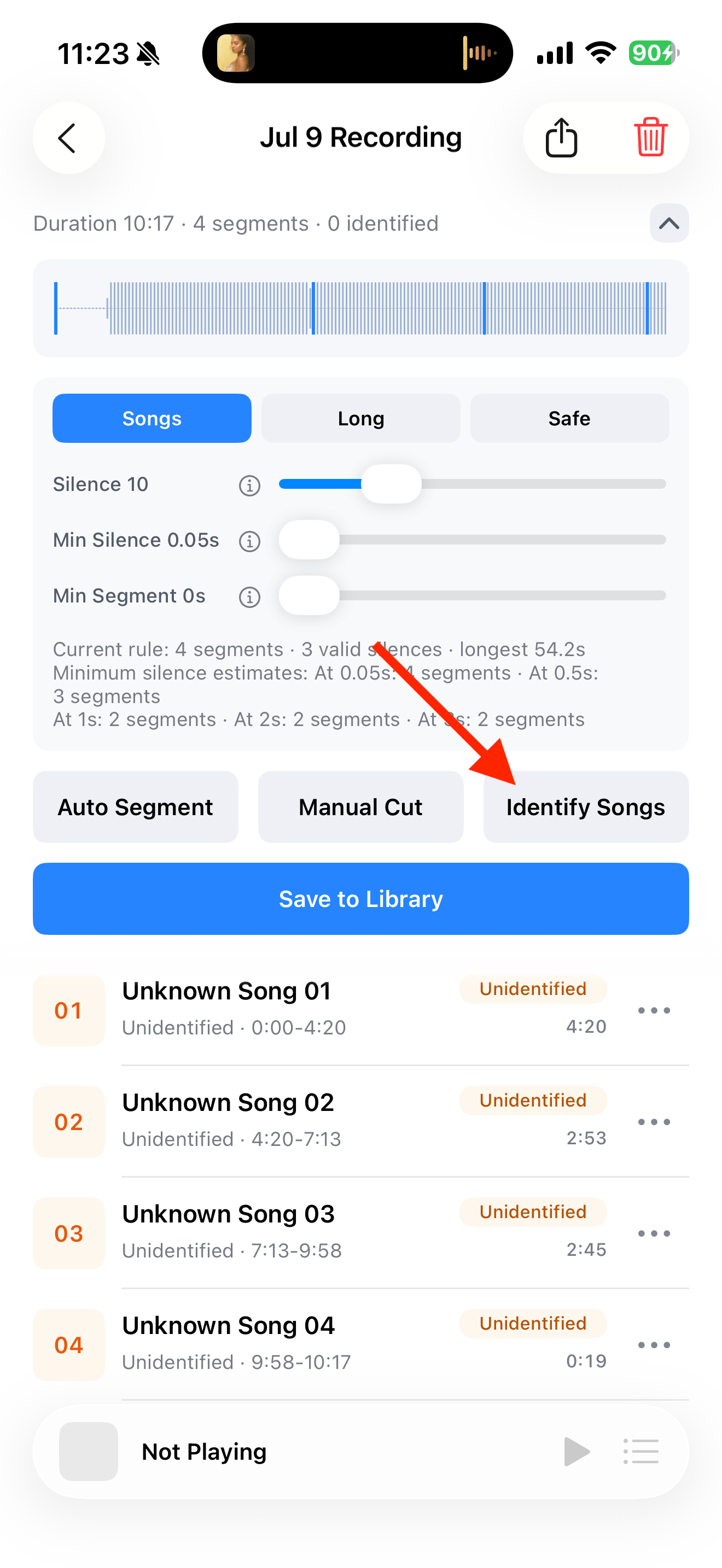
Split, identify, and save audio on the recording page Save a complete passage
Use “Manual Cut” to mark both ends, then save. Give it a name such as “Lesson 01 · Directions” and select it in “Save to Library”.

Select the tracks you want to keep and save them Slow down and repeat
Choose a slower “Playback Speed” with the scope “This Audio”, then use repeat one. Return to 1× and sequential playback when you are ready.

Playback progress, volume, and the player menu Resume longer lessons
Enable “Resume Playback” for the lesson or its playlist. Number chapters and arrange them in study order so you can continue next time.

Find songs, playlists, and recordings in the Library



Common questions
Does TuneTrace generate transcripts or translations?
No. Use the text supplied with your material. Song lyrics are not a speech transcription feature.
Does resume playback track study time or completed lessons?
No. It remembers the playback position. Organize your playlist yourself to track the chapters you have studied.