
Quick answer
Save your favorites once and listen again.
Record permitted songs with TuneTrace or import audio files you already have. Save them on your iPhone for offline playback and reduce monthly subscription costs for the same songs.
Your first 30 saved songs play in full for free, forever. Unlock more with a one-time purchase.
Step by step
4 stepsRecord a song or import a file
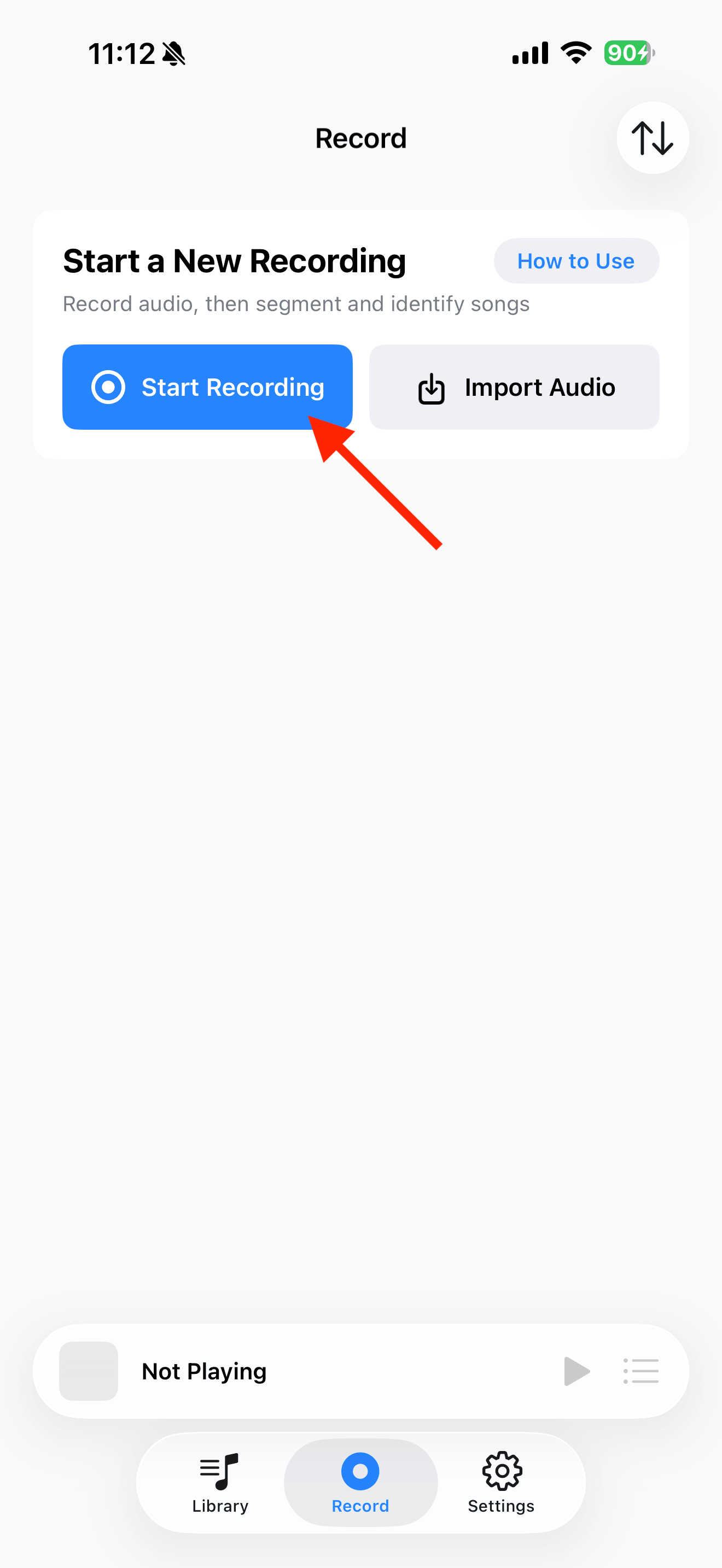
For MP3 or M4A files, use the top-left import button in Library. For audio in another app, tap “Start Recording → Start Broadcast”, then return to that app and play it.
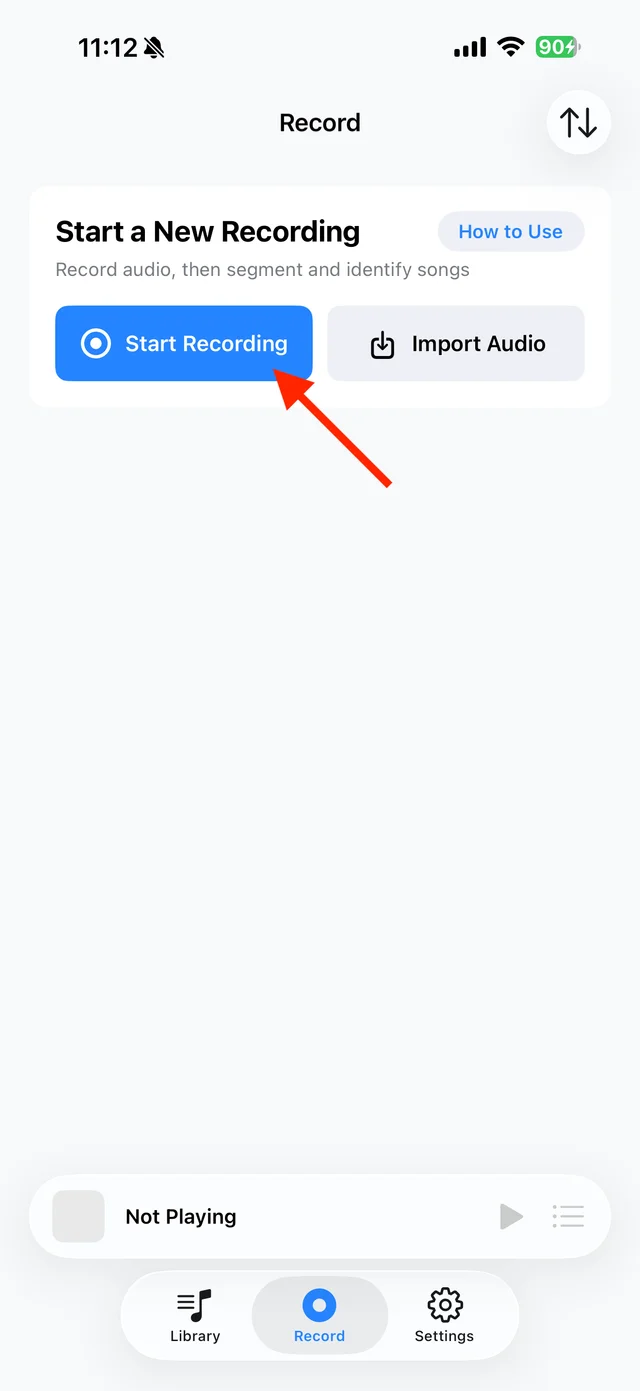
Tap “Start Recording” to capture another app’s audio Save the recorded songs
Keep the screen awake while recording. When finished, tap “Manage Recording → Stop Broadcast”, identify the songs and save them to Library. Already imported single tracks can skip this step.

Select songs from the recording and save them Play from your library
Find the song under “Library → Songs”. Listen to its beginning and end to check the full recording was saved.

Find your saved songs in the Library Try listening without a connection
Turn off Wi-Fi and cellular data, then play your saved songs in TuneTrace. Once checked, take them on your commute or travels. Playback also works with the screen locked.

Play saved tracks from your local Library



Common questions
How much can I listen to for free?
Your first 30 saved songs play in full for free, forever. Additional songs have a 45-second preview. A one-time purchase unlocks more full-length playback.
Why is saving a link not enough for offline listening?
A link does not contain the audio. Record and save the sound, or import an actual audio file into TuneTrace.
Can I identify songs or find lyrics offline?
Song recognition and lyric searches need the internet. Playing audio already saved locally does not.
Recording depends on iOS and the source app. Only save audio you have permission to record.