
Quick answer
Listen to confirm clear music, check your connection, and identify that segment again. Original music, short clips, and altered speeds may have no match; you can still name and save them.
Step by step
3 stepsCheck the music in the segment
Listen for a very short excerpt, overlapping speech, or several songs in one segment. Adjust the cuts if needed.
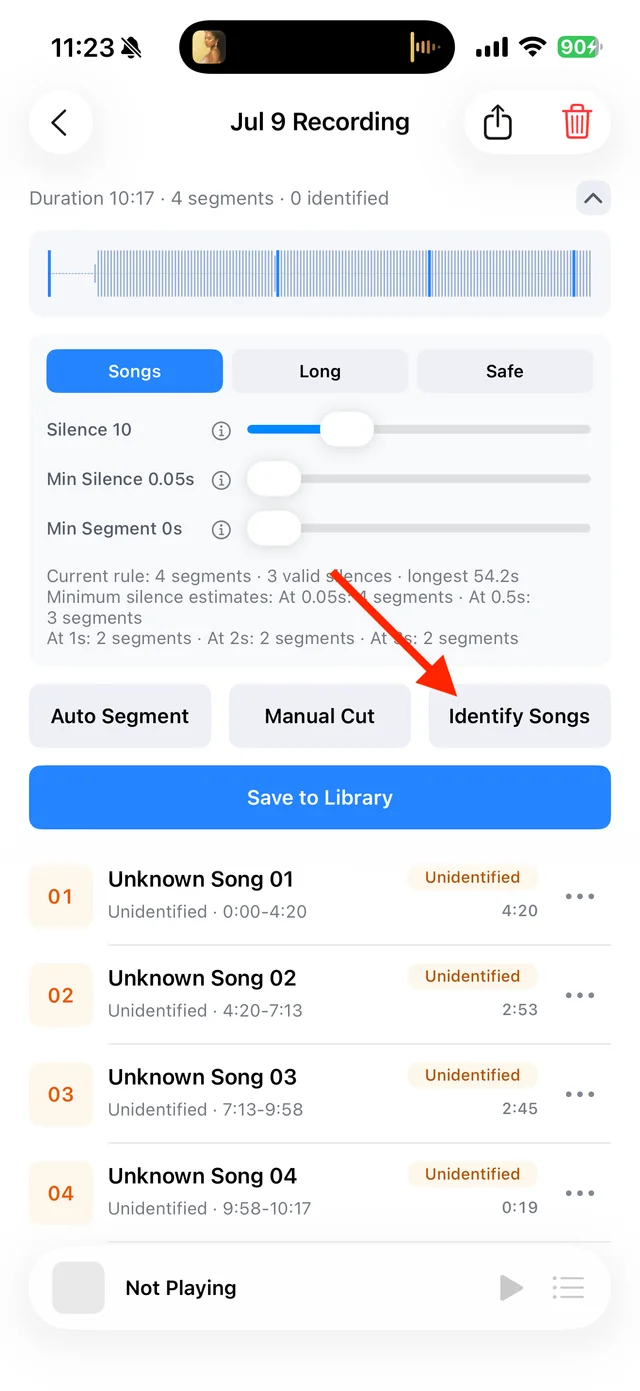
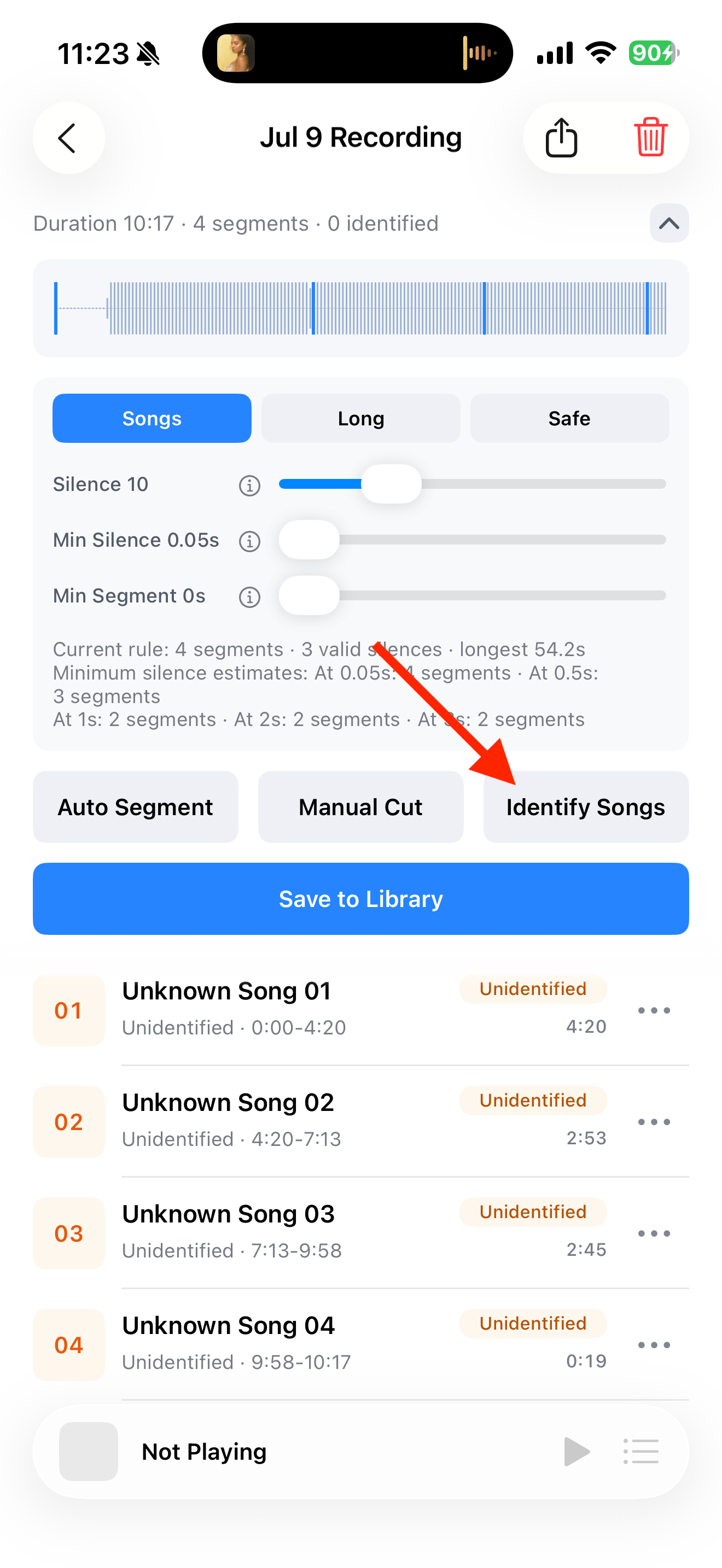
Split, identify, and save audio on the recording page Retry this track while online
Choose “Recognize Again” from the segment menu. For a saved track, find it under “Details and Source”.
Enter the details yourself
If there is still no match, add the title, artist, or topic you know and save it. Avoid overwriting correct custom details with unnecessary identification attempts.

Select the tracks you want to keep and save them

Common questions
Does a missing match prevent playback?
No. Playback depends on the audio file; identification adds matching information.
Does canceling batch identification undo completed results?
No. It stops the remaining work and keeps results already completed.