
Quick answer
Song recognition is optional. If the recording plays correctly, check the clips, name them yourself and save them to your library for offline playback.
Step by step
3 stepsOpen the recording and check its contents
Open the recording after capture, or use “Import Audio” on the recording page. Listen to each clip you want to keep.
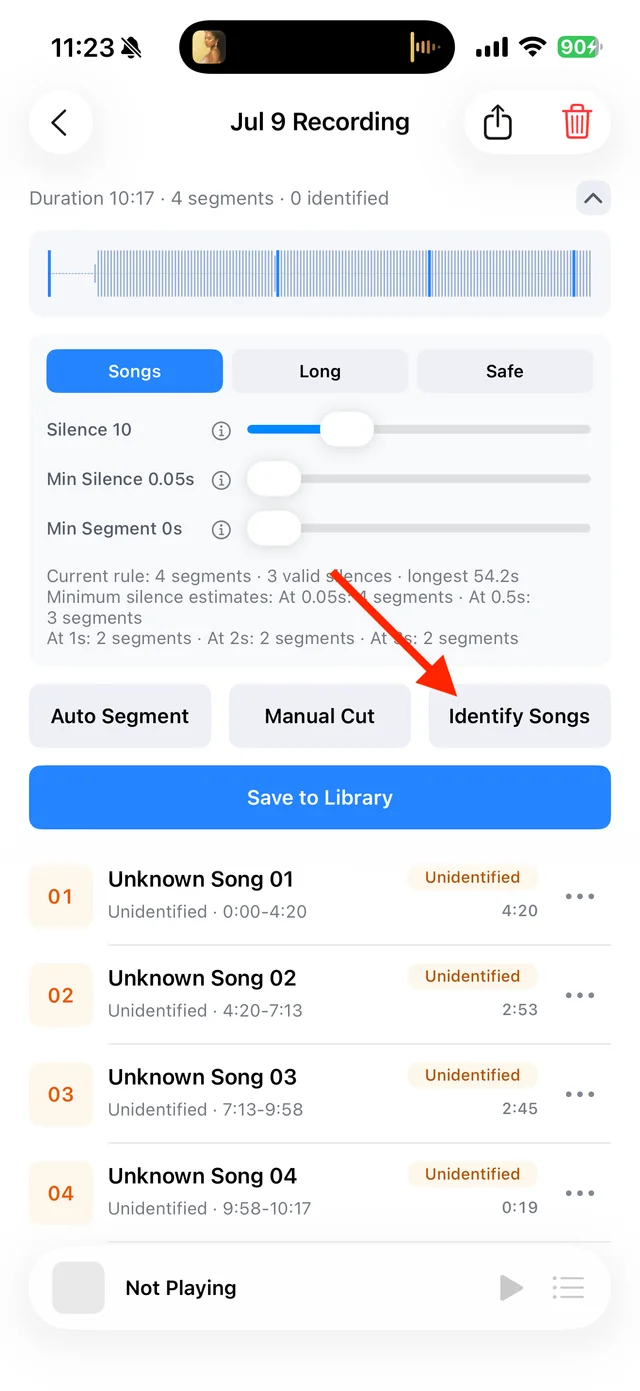
Split, identify, and save audio on the recording page Give each clip a useful name
Tap the clip’s “⋯ → Rename” menu and enter a show or topic, such as “Interview · Episode 2”. You do not need to wait for song recognition.
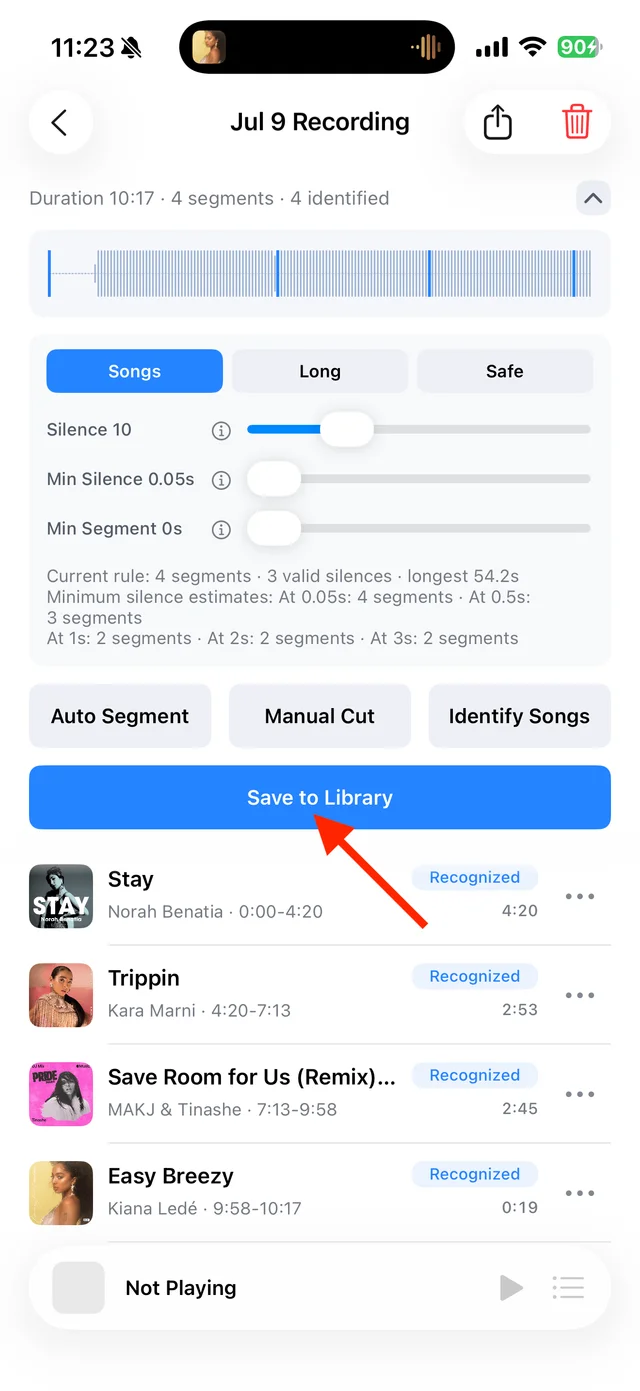
Use a segment’s menu to edit its details Select and save the clips
Tap “Save to Library”, select the clips and save. Enable resume playback for long audio to continue where you stopped.

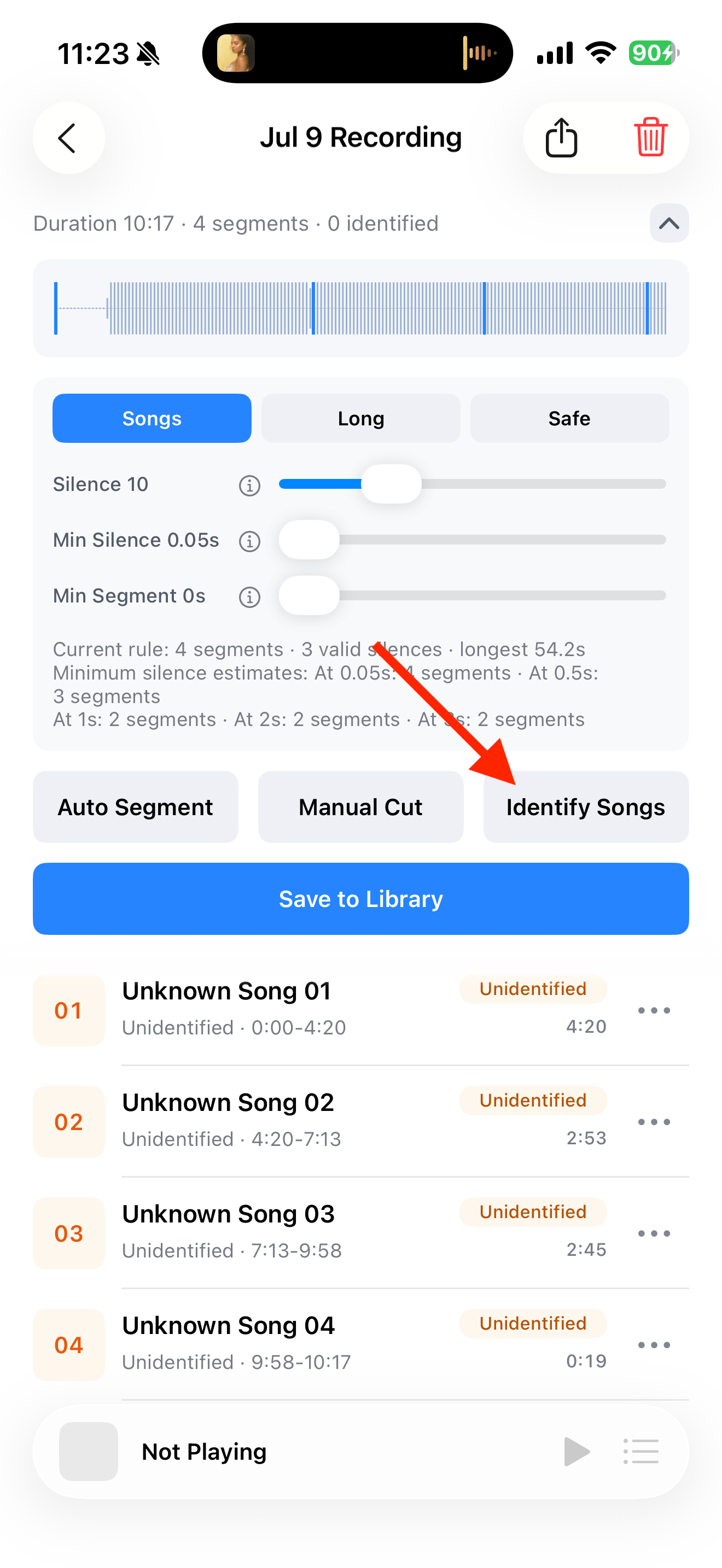
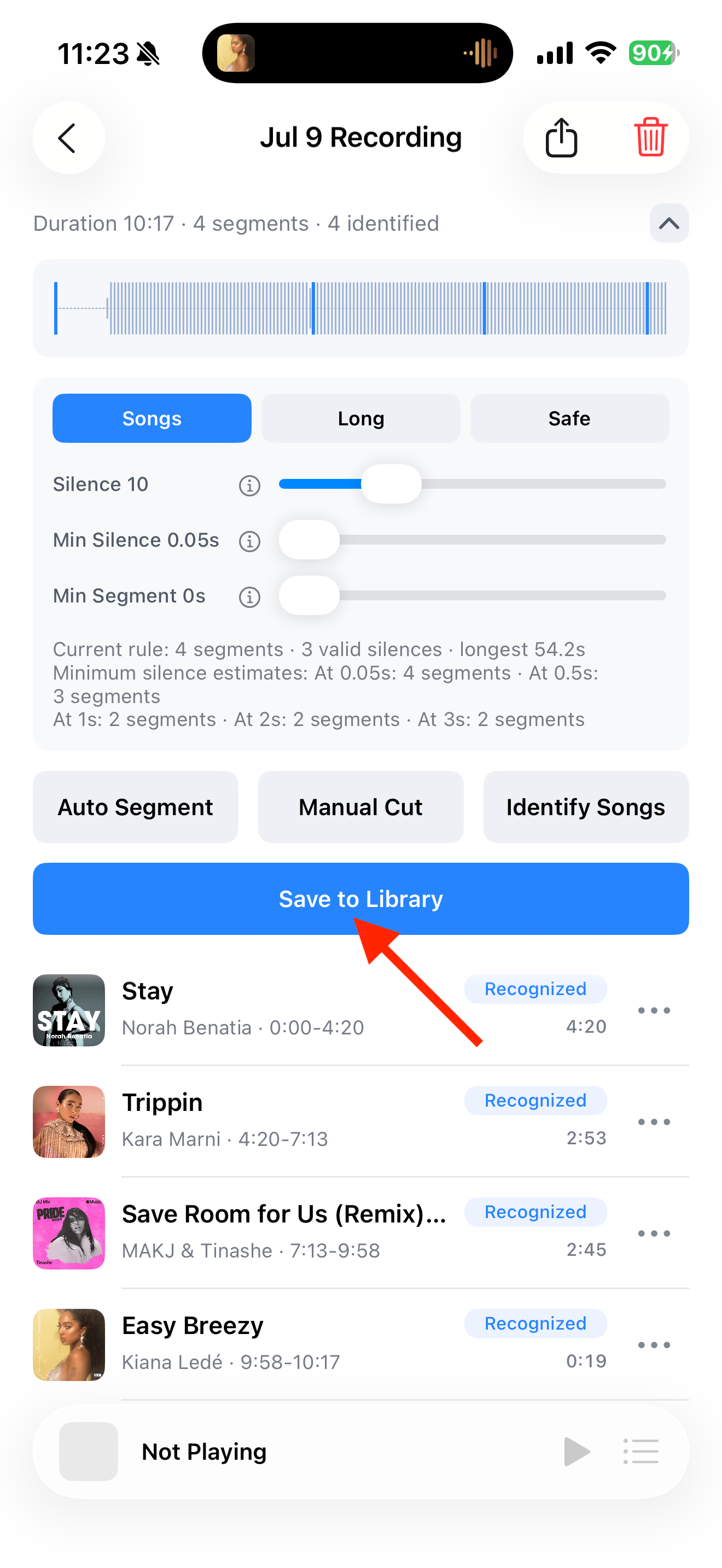
Select the tracks you want to keep and save them

Common questions
Does failed recognition affect audio quality?
No. Recognition adds information; it does not fill in or replace the recorded audio.
Can I rename a track after saving?
Yes. Open the track’s menu and choose “Details and Source → Edit Info”.