
Quick answer
Listen to confirm the recorded version, then update its title and artist in “Edit Info”. Add “Live”, “Cover”, or “Remix” where useful; editing details does not replace the audio.
Step by step
3 stepsListen to the actual performance
Compare the voice, intro, and live sound instead of relying on artwork alone. Covers or altered versions may match the original song.

Playback progress, volume, and the player menu Edit the song information
For a saved track, open “⋯” → “Details and Source” → “Edit Info”. On the recording page, rename the segment from its menu.
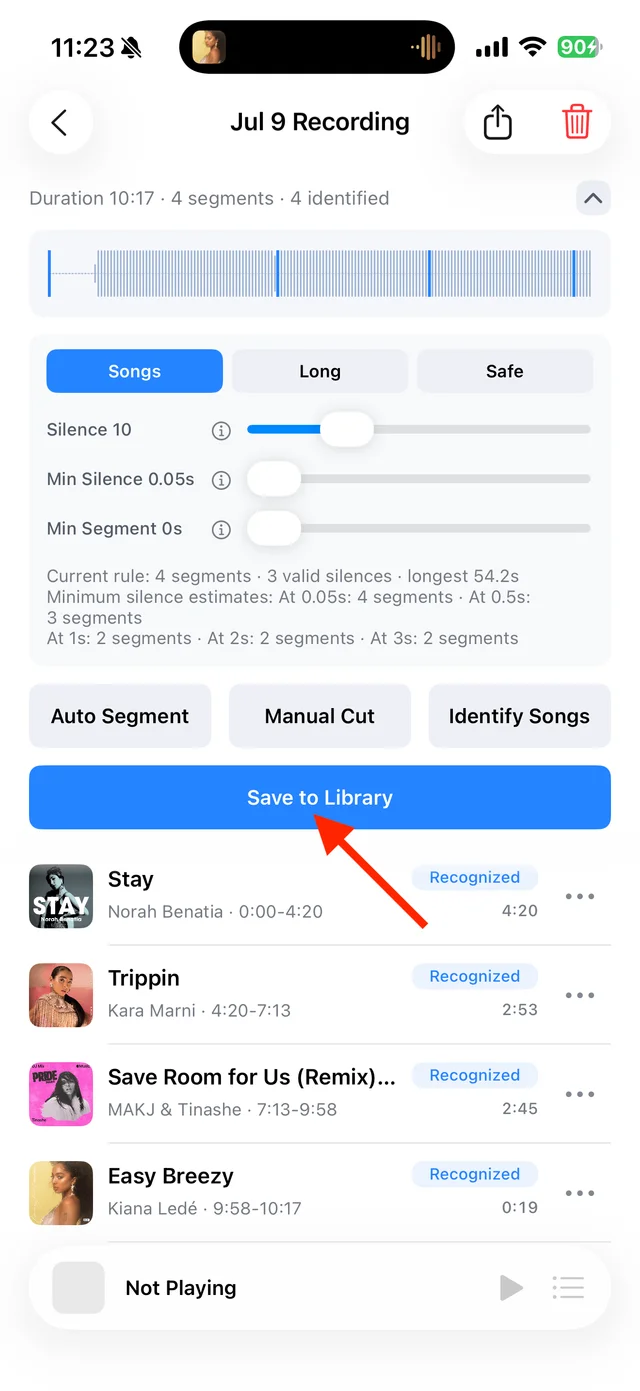
Check and rename recording segments Make the version easy to find
Use a title such as “Song Title (Live)”, save it, and search for it in the Library.

Common questions
Does changing the title change the recording into the original version?
No. The audio remains the file you recorded or imported.
Should I identify it again after correcting it?
You can keep the details you entered. Another identification attempt may overwrite your corrections.