
Quick answer
Open a segment marked “Needs Review”, compare the candidates with the audio, and choose “Set as Final Result” for the correct match.
Step by step
3 stepsOpen the review page
Tap “Needs Review” on the recording page, or choose “Review Recognition Results” from the segment’s menu.
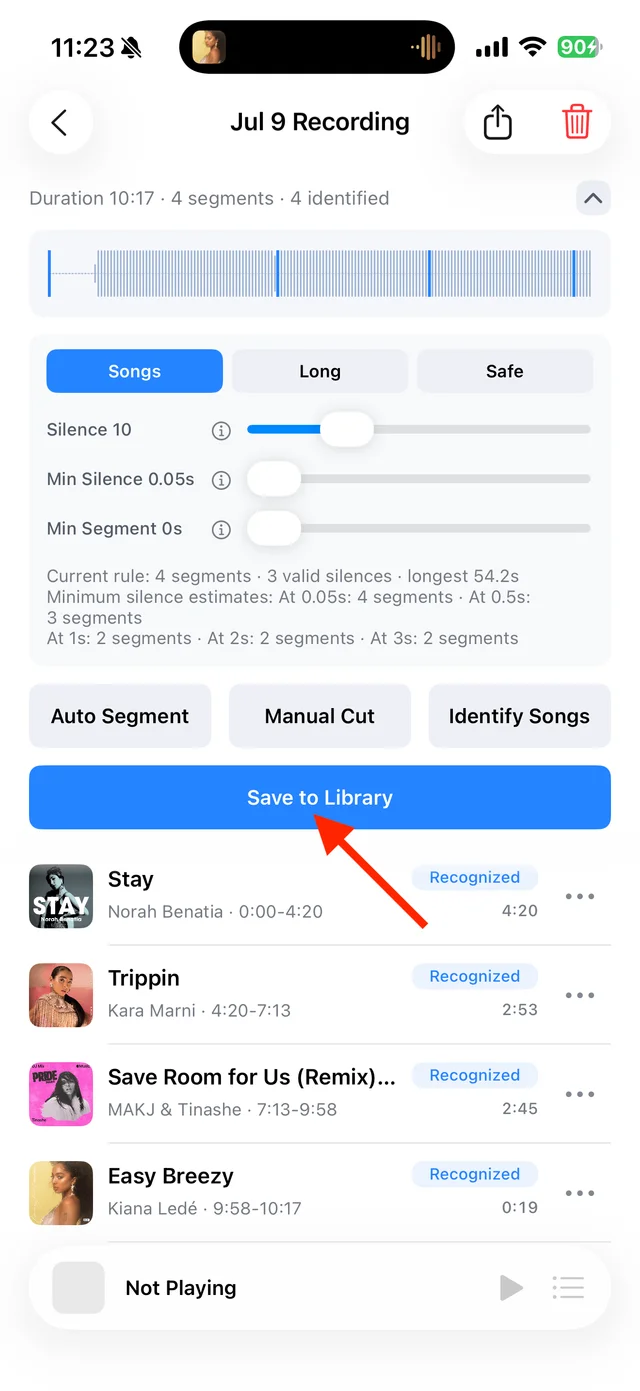
Check each segment’s identification status Compare the candidates
Check titles, artists, sample ranges, and confidence scores while listening. The highest score alone does not confirm the right version.
Confirm or enter details yourself
Choose the correct candidate and tap “Set as Final Result”. If none fits, identify it again or edit the information yourself. Confirmed results also update the corresponding saved tracks.
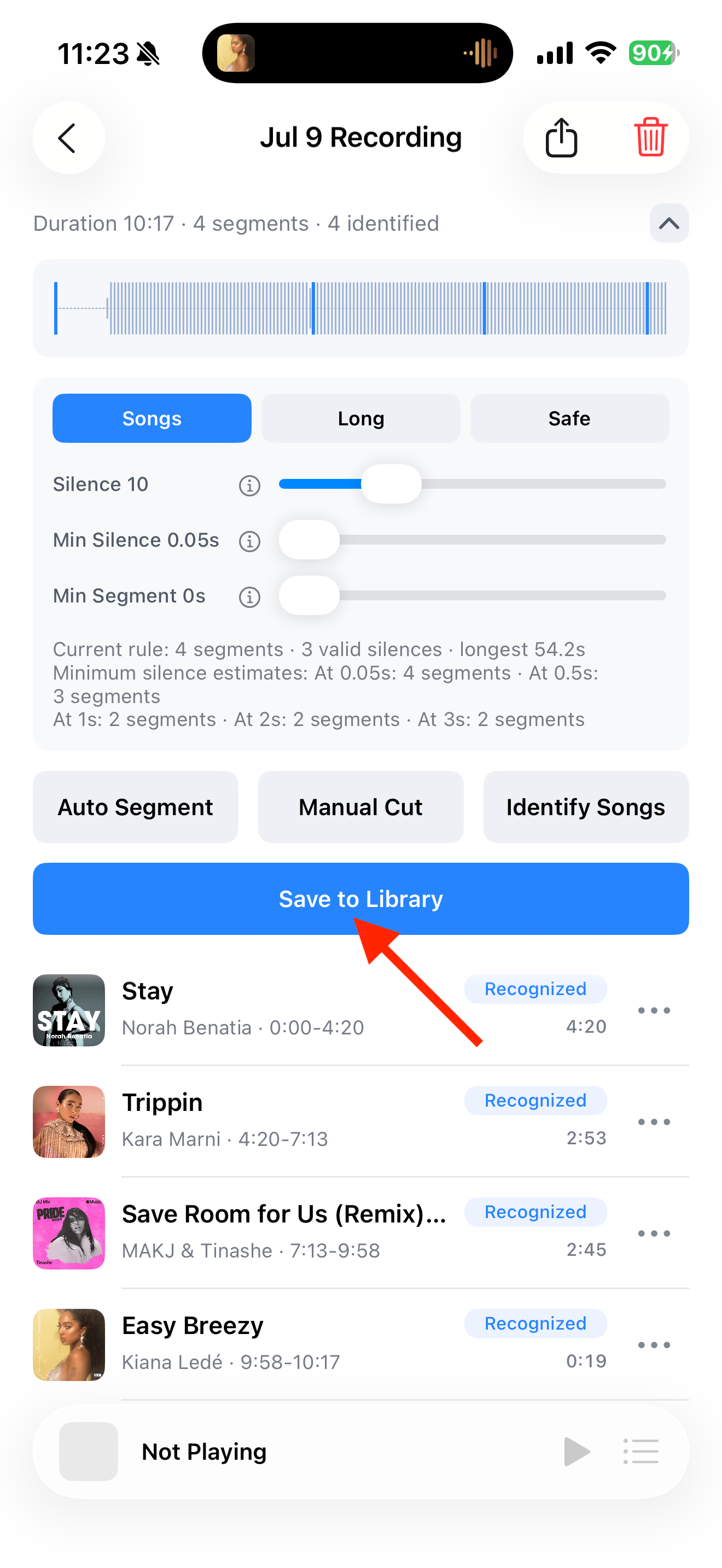
Common questions
Does “Needs Review” mean the audio was recorded badly?
No. It describes the identification result. Listen to the audio separately to check whether it is complete.
What if every candidate is wrong?
Check whether the segment contains more than one song. Then identify it again or enter the correct information yourself.