
Quick answer
Start recording in TuneTrace, then play the song in Soda Music. Split and identify the recording, then save it locally to hear again. Recording availability depends on the source app and iOS.
Your first 30 saved songs play in full for free, forever. Unlock more with a one-time purchase.
Step by step
4 stepsCheck that the whole song can play
Choose the song and note its name or version. If only a preview plays, that is all the recording can capture.
Start recording in TuneTrace
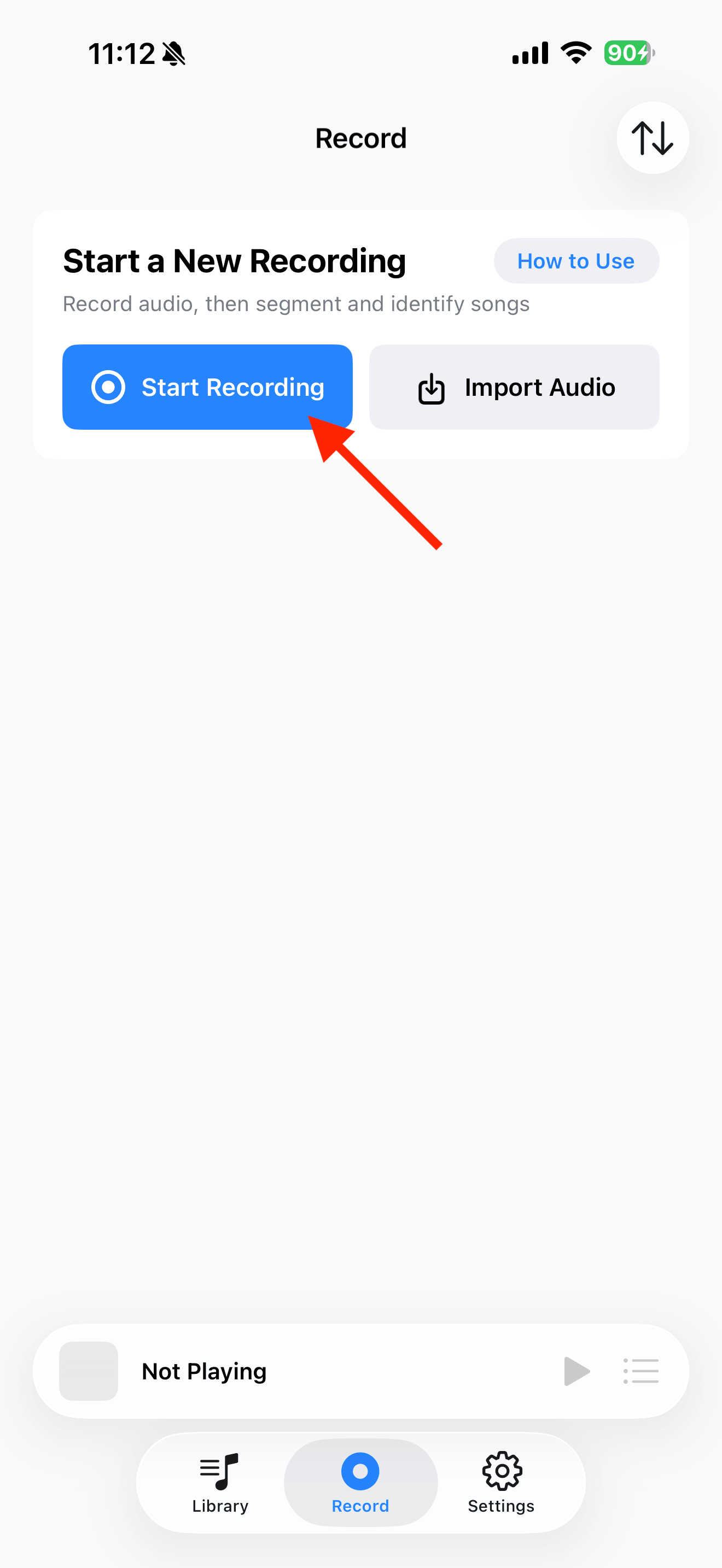
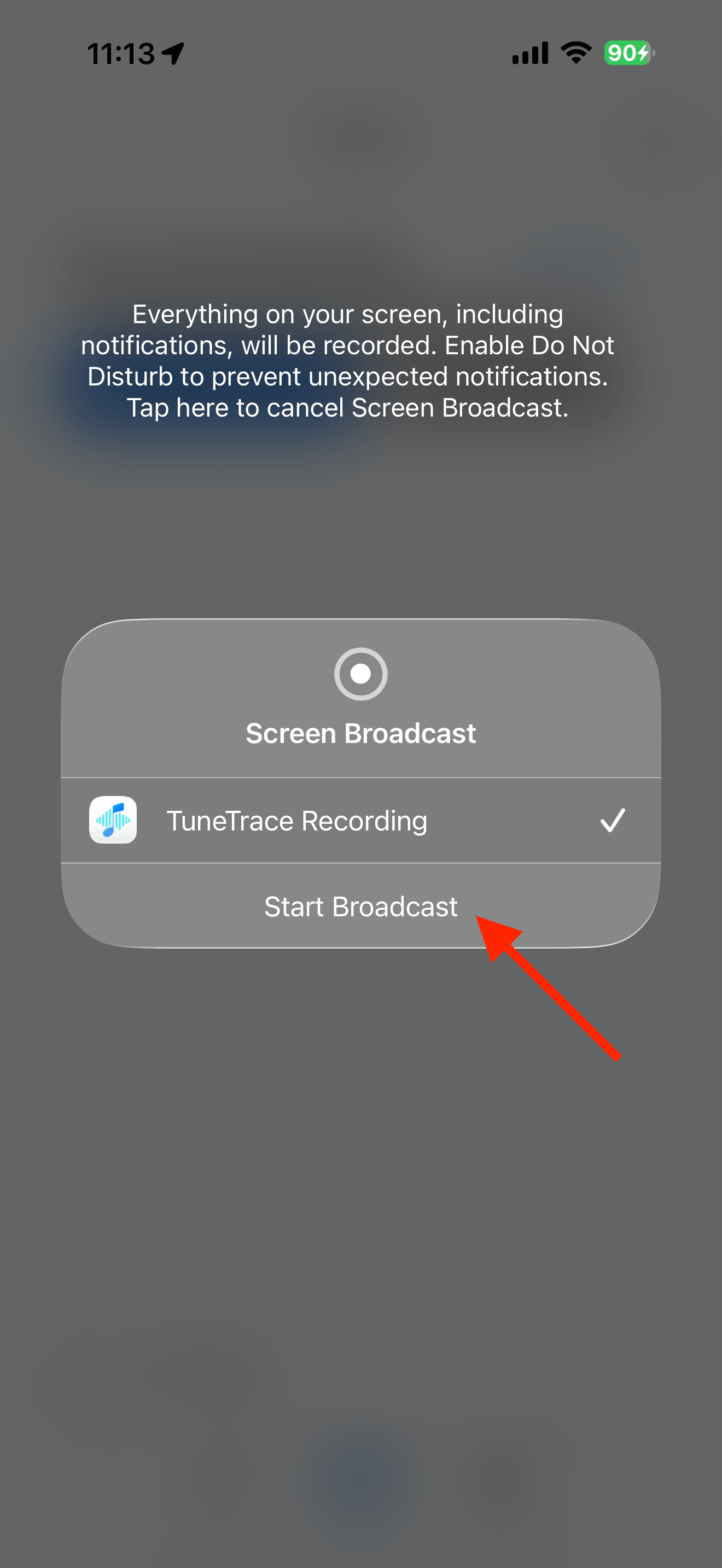
Tap “Start Recording”, then “Start Broadcast”. Once recording starts, close the dialog and return to the source app.
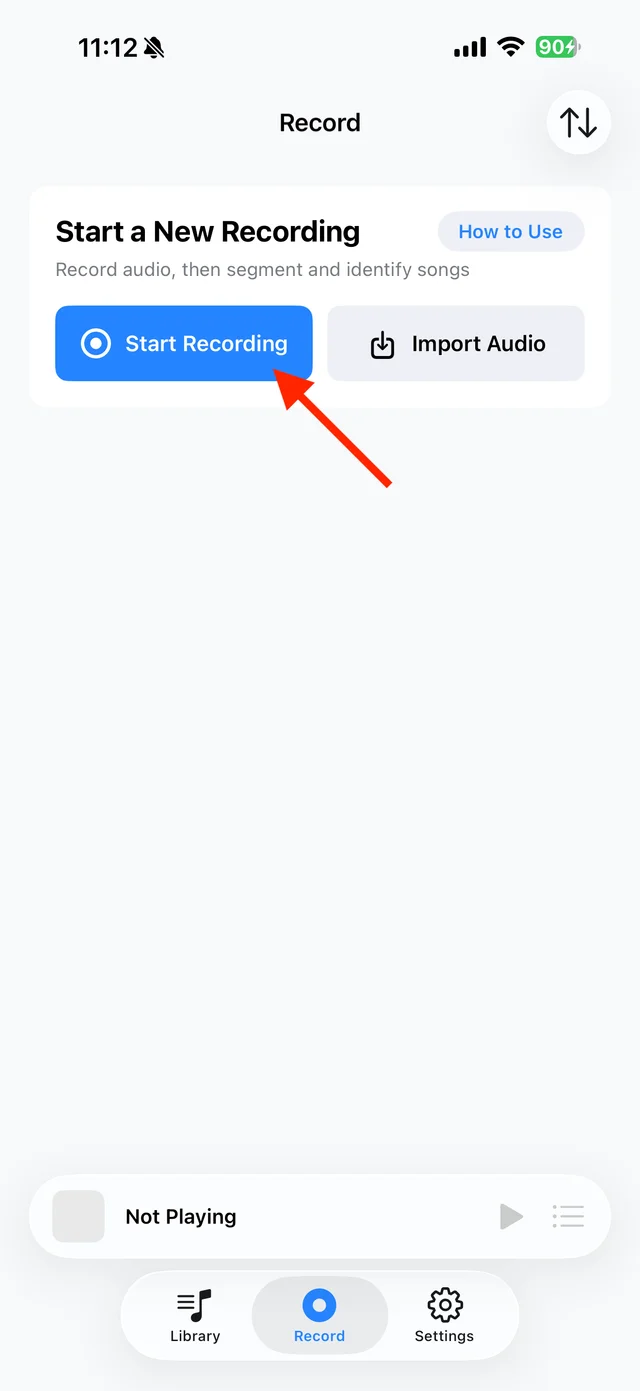
Open TuneTrace’s recording page 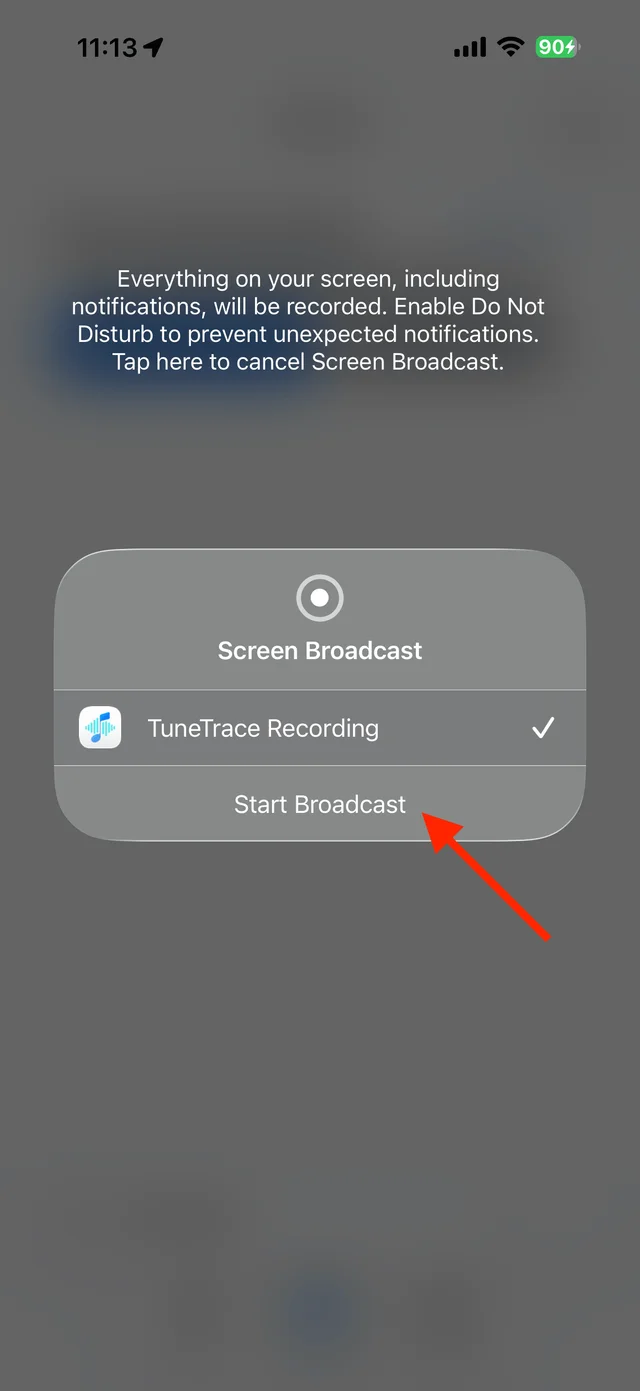
Start the broadcast in the system dialog Stop after one complete play
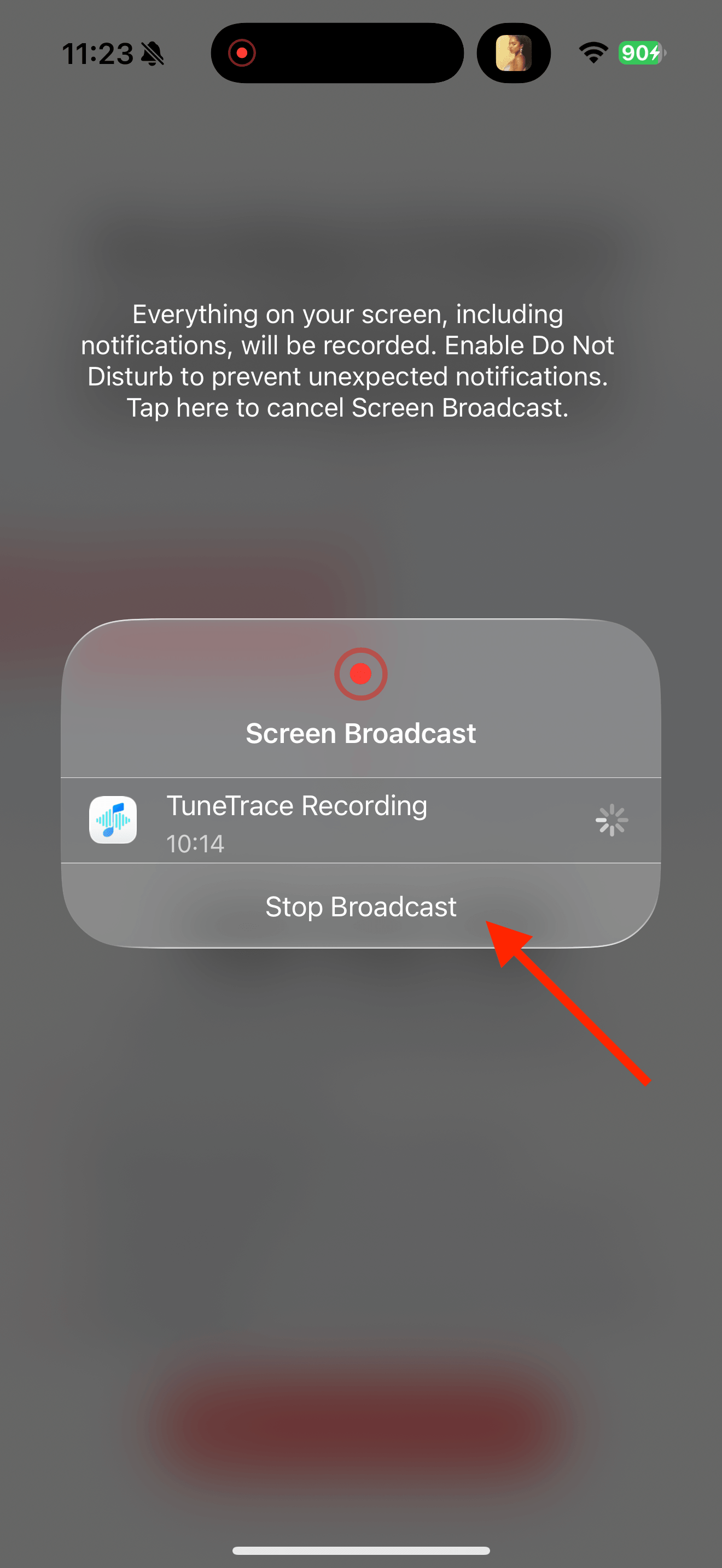
Keep your screen awake and avoid switching to another recommendation. At the end, return to TuneTrace and tap “Manage Recording → Stop Broadcast”.
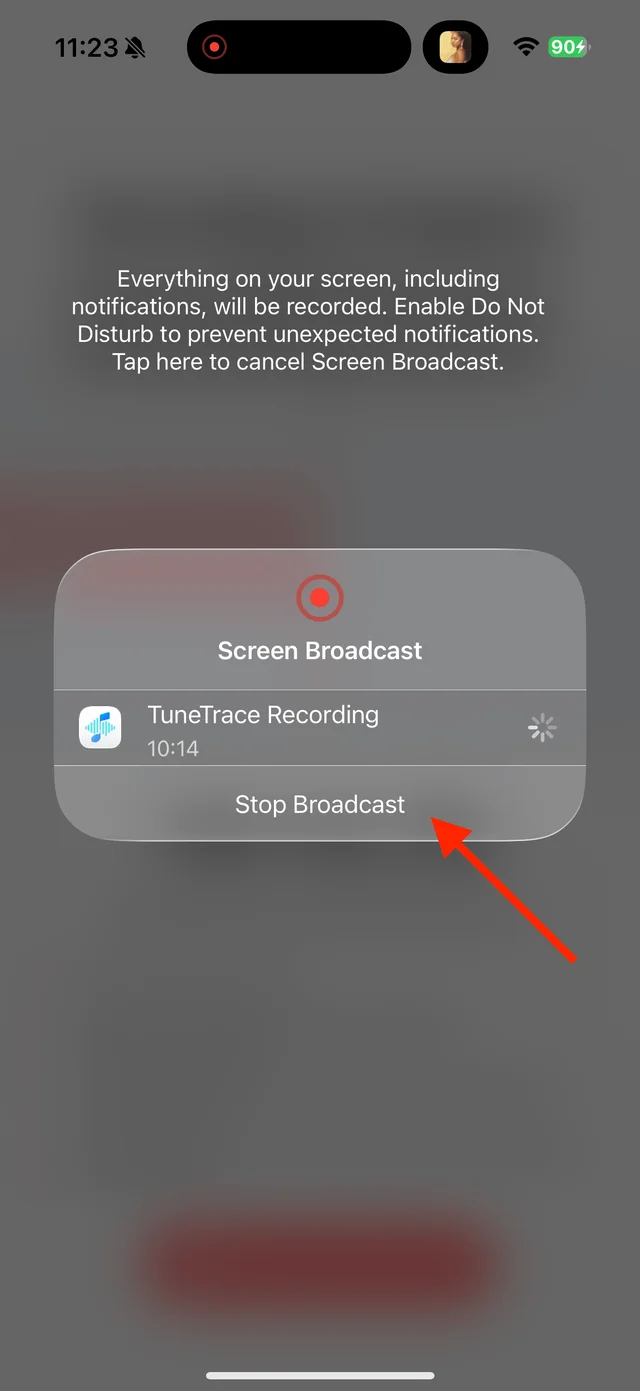
Stop the broadcast after the song finishes Check the recording and save
Listen to the beginning and end to check nothing is missing. Identify the song, then tap “Save to Library” to keep it for local playback.

Select the tracks you want to keep and save them

Common questions
Can it capture audio that played before I started recording?
No. Start recording first, then replay the content you want to keep.
What if the recording includes the next song?
Adjust the cuts, then select only the complete song you want to keep.
Only record audio you have permission to save. The source app or iOS may restrict recording.