
Quick answer
Record a short sample from another source and listen back. If only the target source stays silent or blocks playback, source or system restrictions may apply. Import a regular audio file if you have one.
Step by step
3 stepsCheck the recording steps
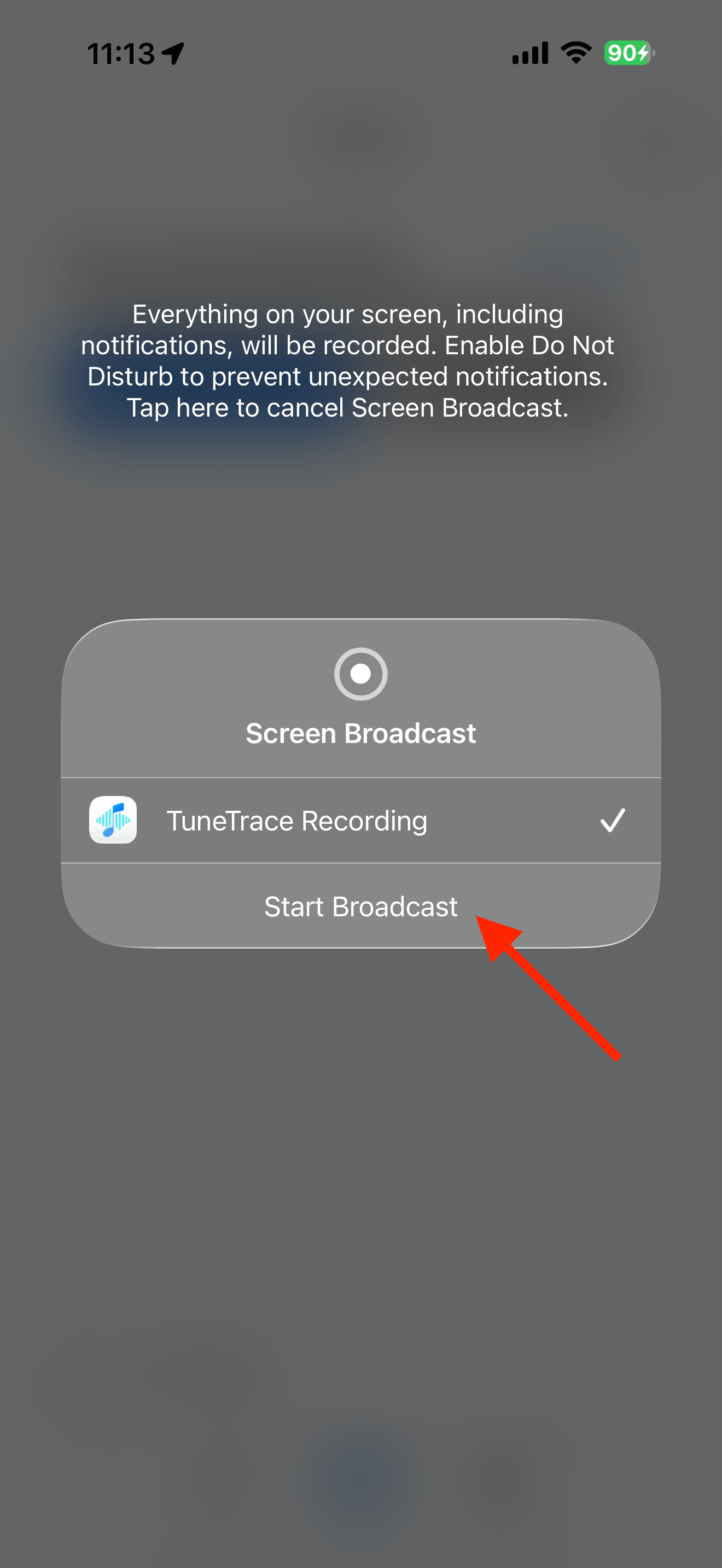
Confirm that “Start Broadcast” is active and the source app is actually playing, not paused or loading.
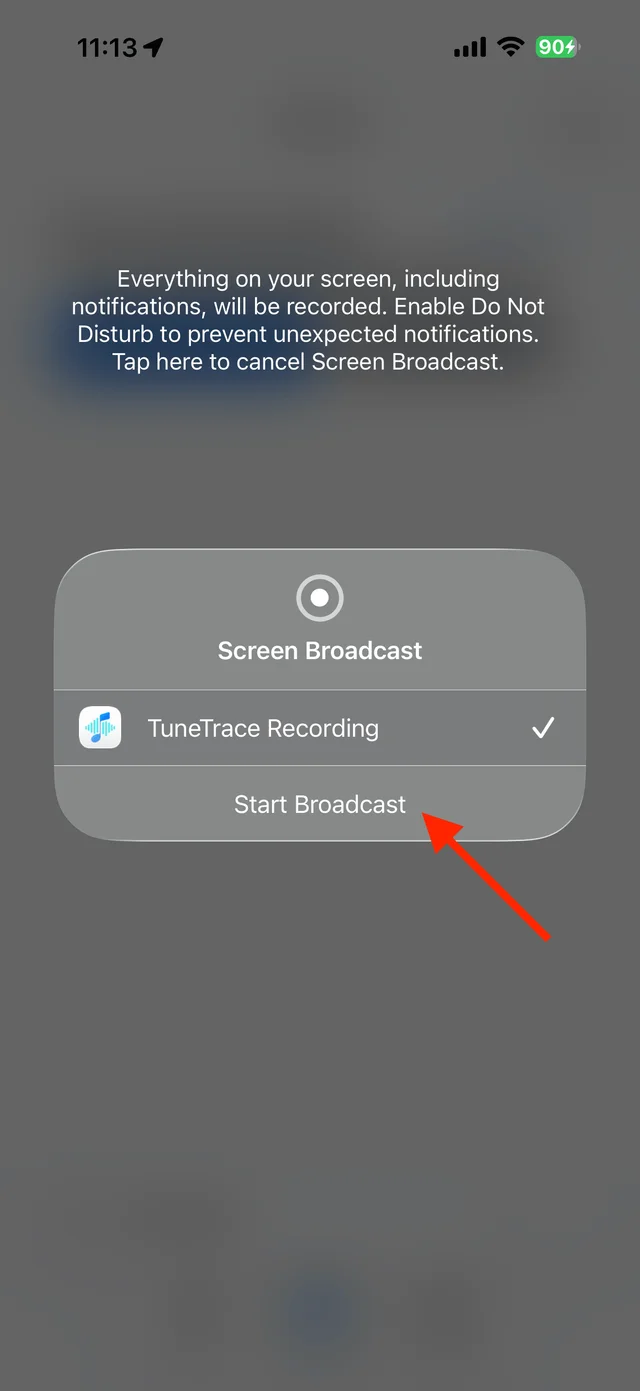
Confirm that the system broadcast has started Compare another source
Record another source for more than ten seconds using the same steps. Play it back and check the volume and headphones.

Playback progress, volume, and the player menu Use an available audio source
Import a regular audio file into the Library if available. Otherwise use the source platform’s playback options; repeatedly recording a restricted source usually does not help.

Find songs, playlists, and recordings in the Library


Common questions
Does upgrading guarantee recording from every platform?
No. Recording also depends on the source app and the system.
Can I rename a platform cache file to import it?
No. Changing its extension does not turn protected cache data into a regular audio file.