
Quick answer
Try a short recording of permitted Ximalaya audio in TuneTrace. If it captures sound, record the full episode, name it and save it locally. You can then listen offline and resume where you stopped.
Your first 30 saved songs play in full for free, forever. Unlock more with a one-time purchase.
Step by step
4 stepsCheck access and try a short recording
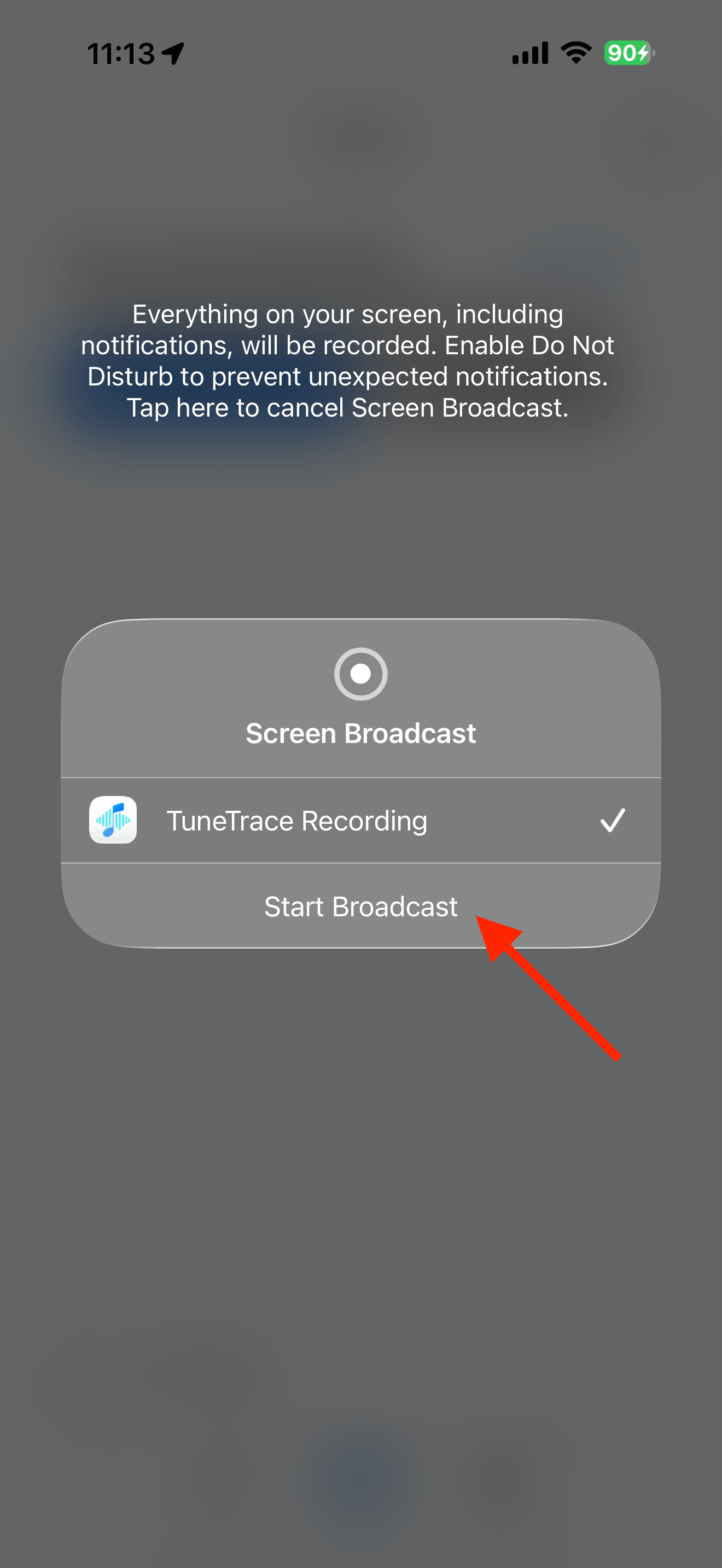
Make sure you can play the whole episode. In TuneTrace, tap “Start Recording → Start Broadcast”, play about 15 seconds in Ximalaya, then stop and listen back.
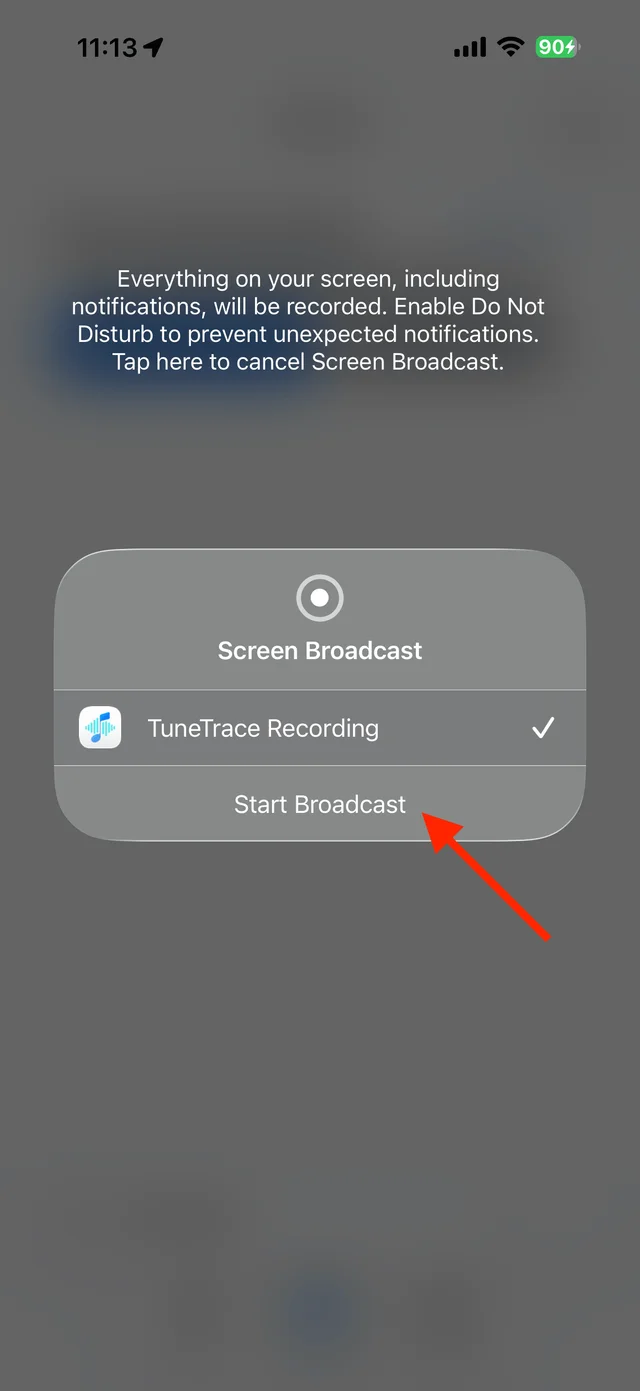
Start a short recording and listen back Record the full episode
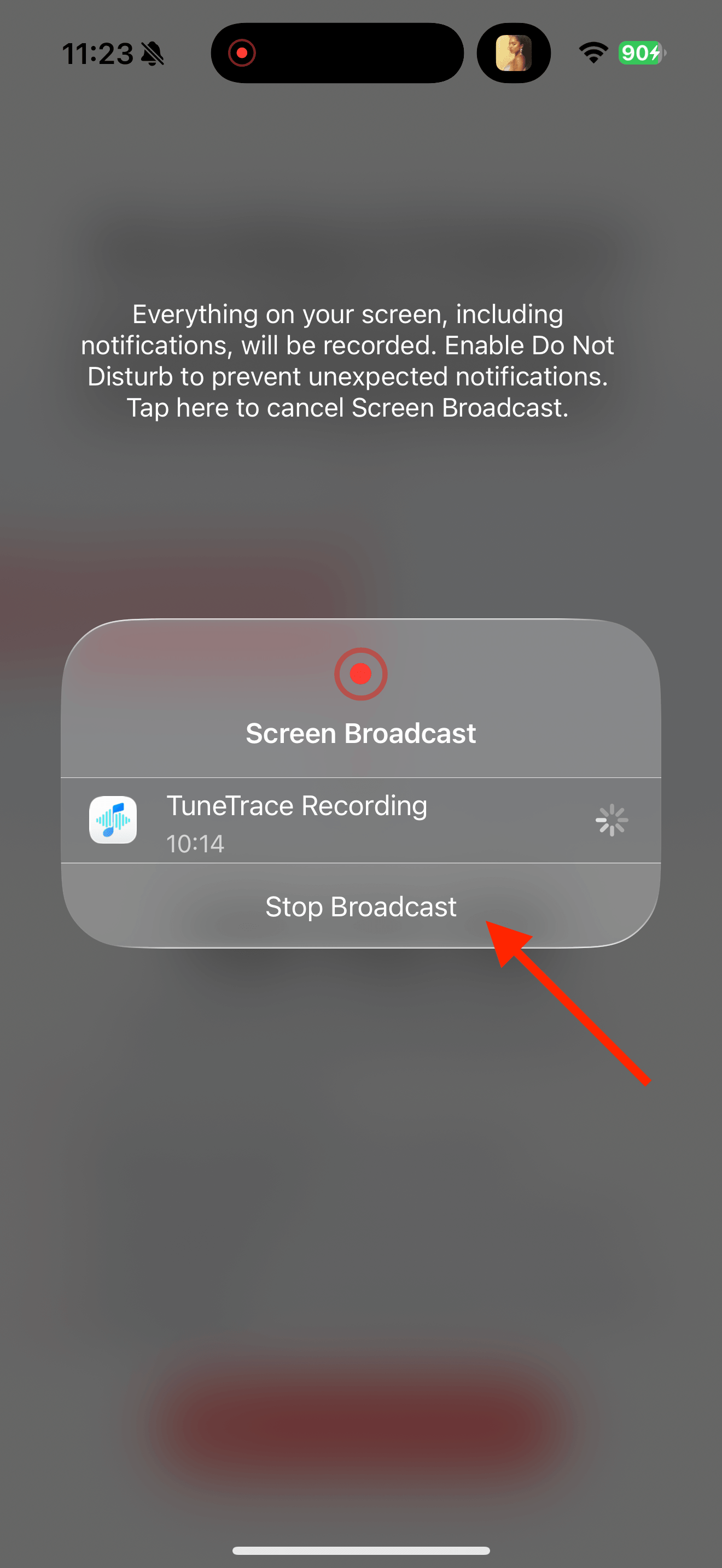
Start a new recording and play from the episode’s beginning. Keep your screen awake, and stop the broadcast in TuneTrace when the episode ends.
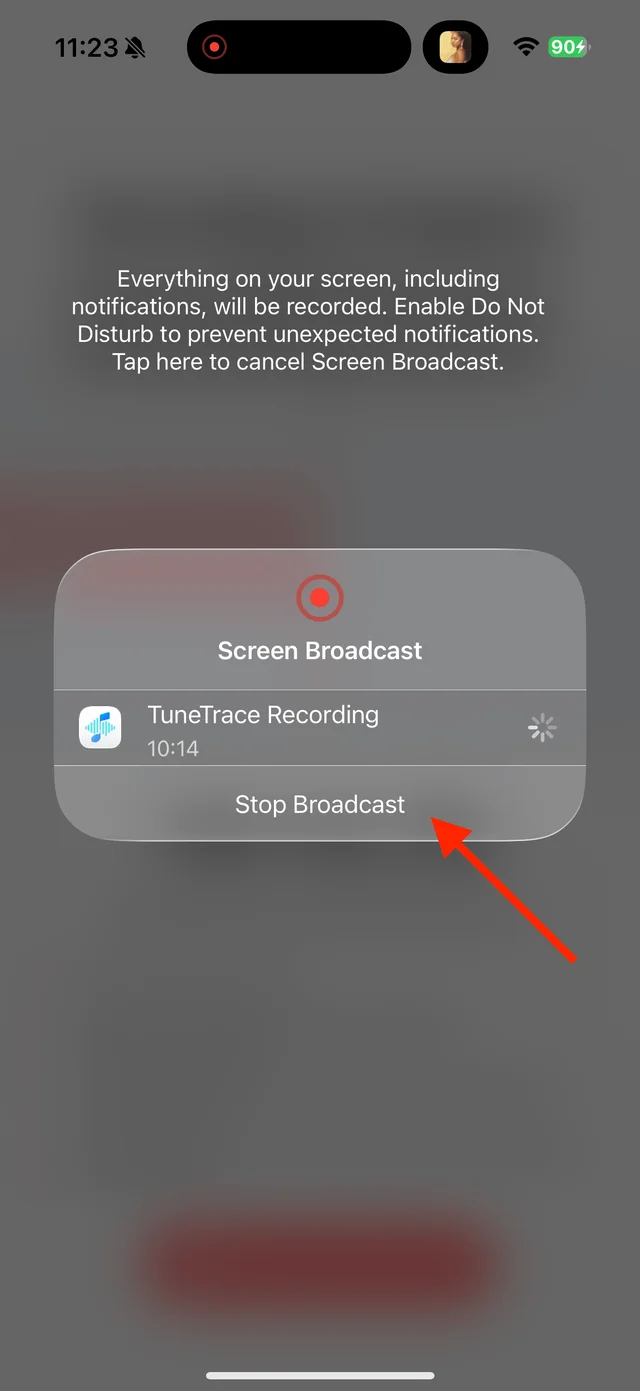
Stop the broadcast when the program ends Name the recording and save it
Check the beginning and end. Use a name with the show, episode number and topic. Add chapter cuts with “Manual Cut” if useful, then save to your library.

Select the tracks you want to keep and save them Put episodes in order and enable resume
Create a playlist under “Library → Playlists”, add the episodes and arrange them by number. Enable resume playback in the playlist settings.

Find songs, playlists, and recordings in the Library


Common questions
Can a preview be recorded as a full episode?
No. You need access to the full episode; recording only captures what actually plays.
Can I import Ximalaya’s cached downloads?
Not as ordinary audio files. If you have separate, usable audio files, import those into TuneTrace instead.
How can I continue a long episode later?
Enable resume playback after saving. You can also split the recording into named chapters.
Only record audio you have permission to save. The source app or iOS may restrict recording.