
Quick answer
Set “Minimum Segment” to 0 seconds and tap “Resegment”. For an exact excerpt, use “Manual Cut” to mark its boundaries.
Step by step
4 stepsCheck the original recording
Play the original and confirm that the short clip is actually present before changing the segment settings.
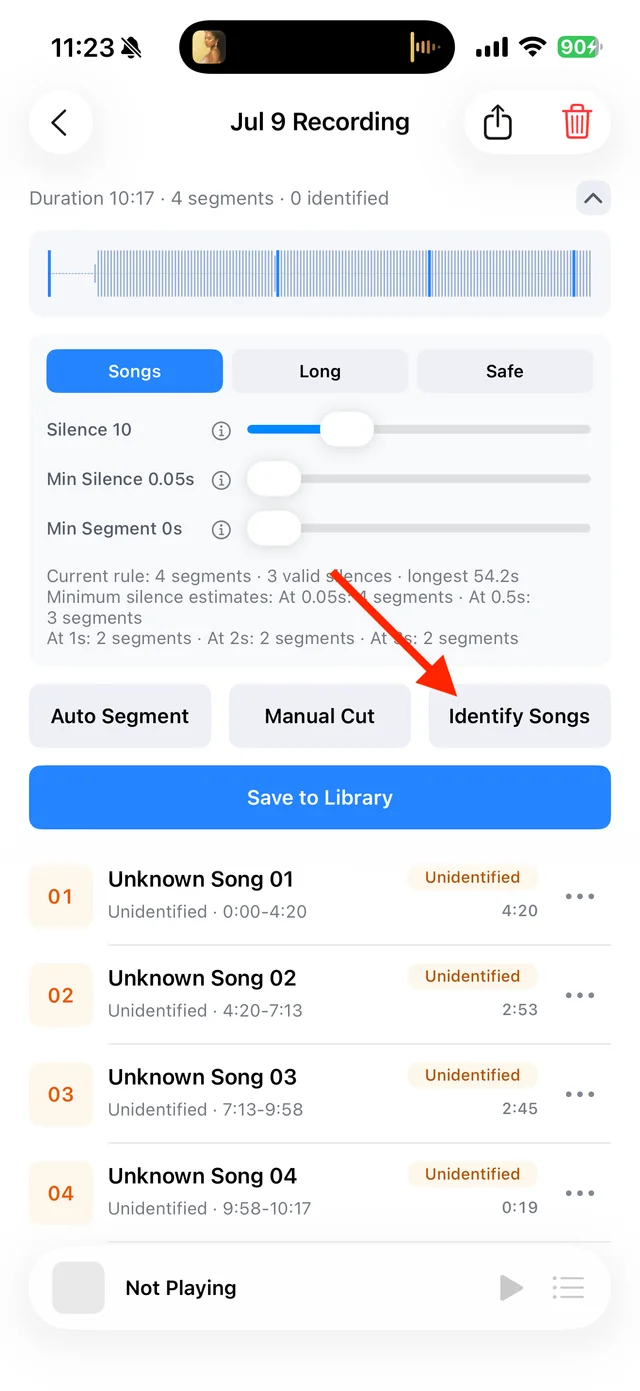
Split, identify, and save audio on the recording page Allow short segments
Expand the segmentation settings, set “Minimum Segment” to 0 seconds, and tap “Resegment”. Check the resulting list.
Mark the exact boundaries
Open “Manual Cut” and add a cut before and after the clip. If it reaches the beginning or end of the file, one cut is enough. Save your edits.
Save the clip
Listen for clipped words or endings, give the clip a name, and select it in “Save to Library”, even if song identification found no match.

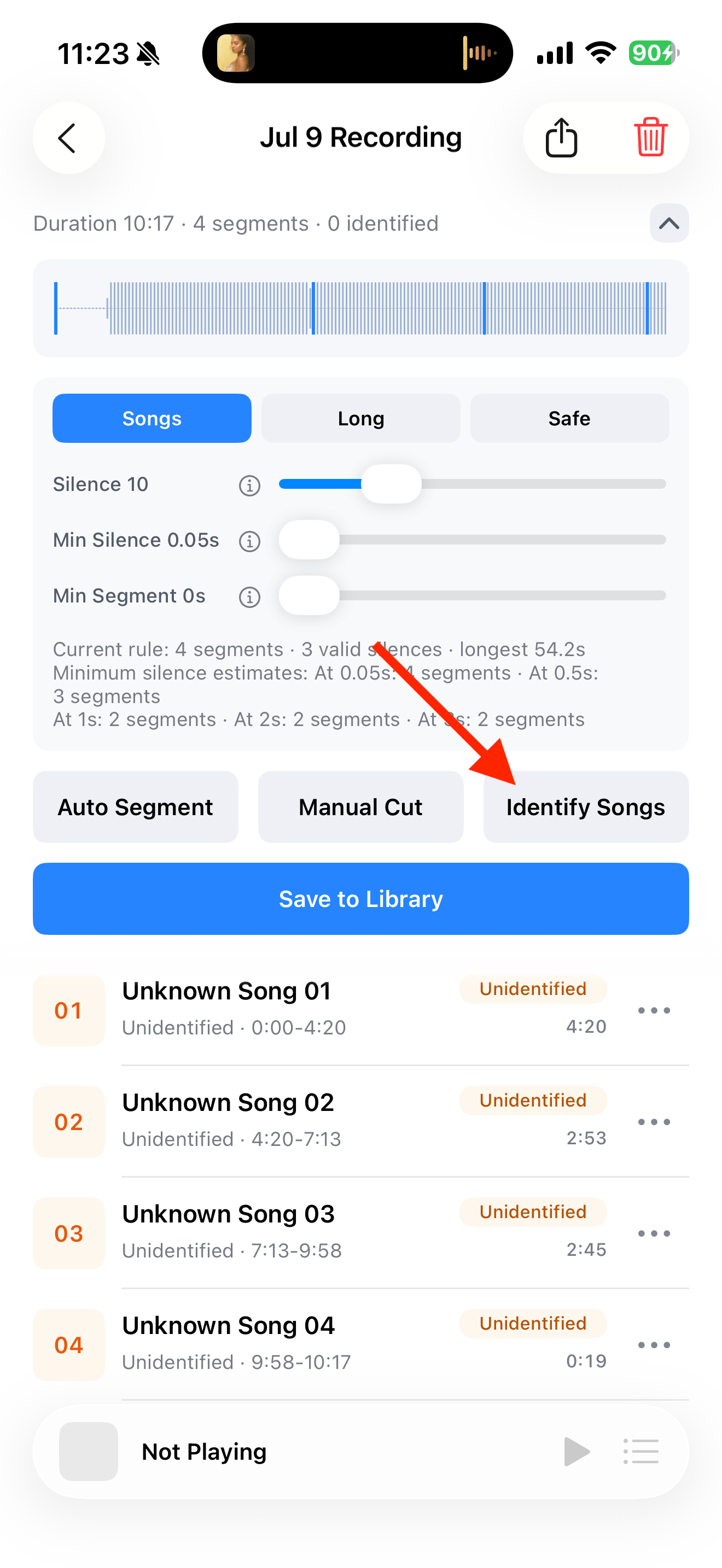
Select the tracks you want to keep and save them

Common questions
Does 0 seconds recover missing audio?
No. It keeps short segments that are already in the recording; it cannot restore audio that was never recorded.
Why are there now more fragments?
A lower minimum length keeps more small segments. Select only the clips you need, or merge neighboring pieces.