
Quick answer
Identify a batch of songs without looking up each one yourself.
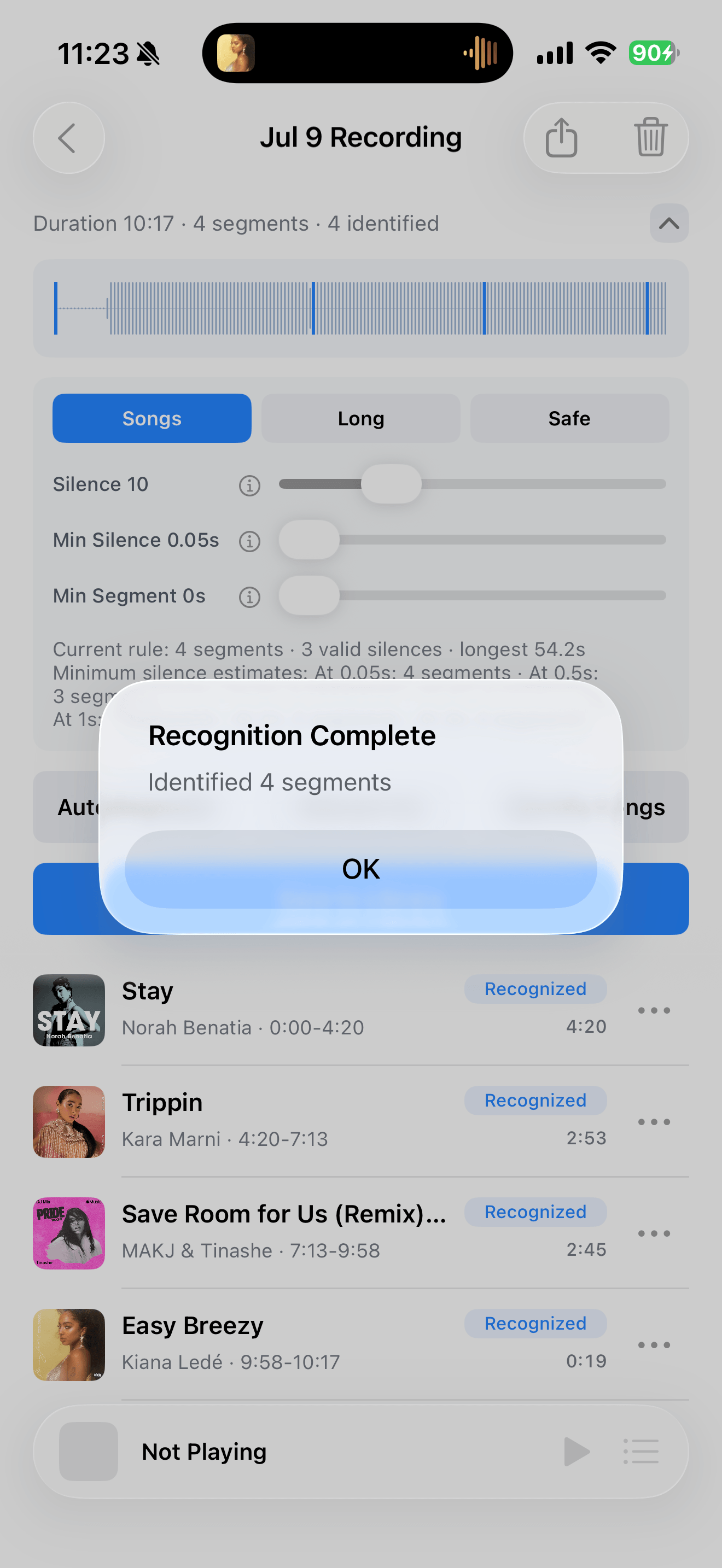
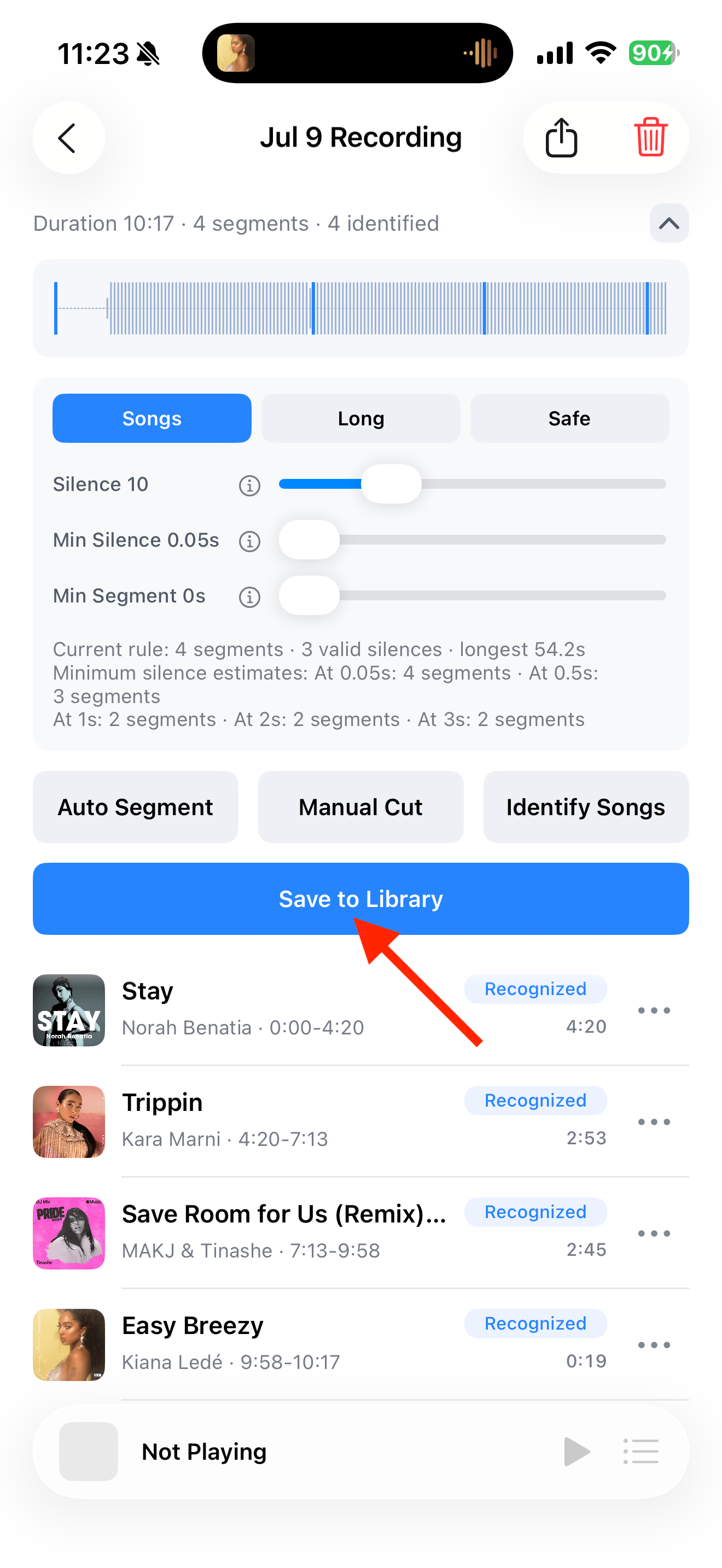
After splitting the recording into songs, tap “Identify Songs” to match their titles, artists, and artwork. You can also select saved tracks in the Library and identify them again.
Your first 30 saved songs play in full for free, forever. Unlock more with a one-time purchase.
Step by step
4 stepsCheck the segments
Make sure each segment contains one song. Split any segment that still contains several songs before identification.
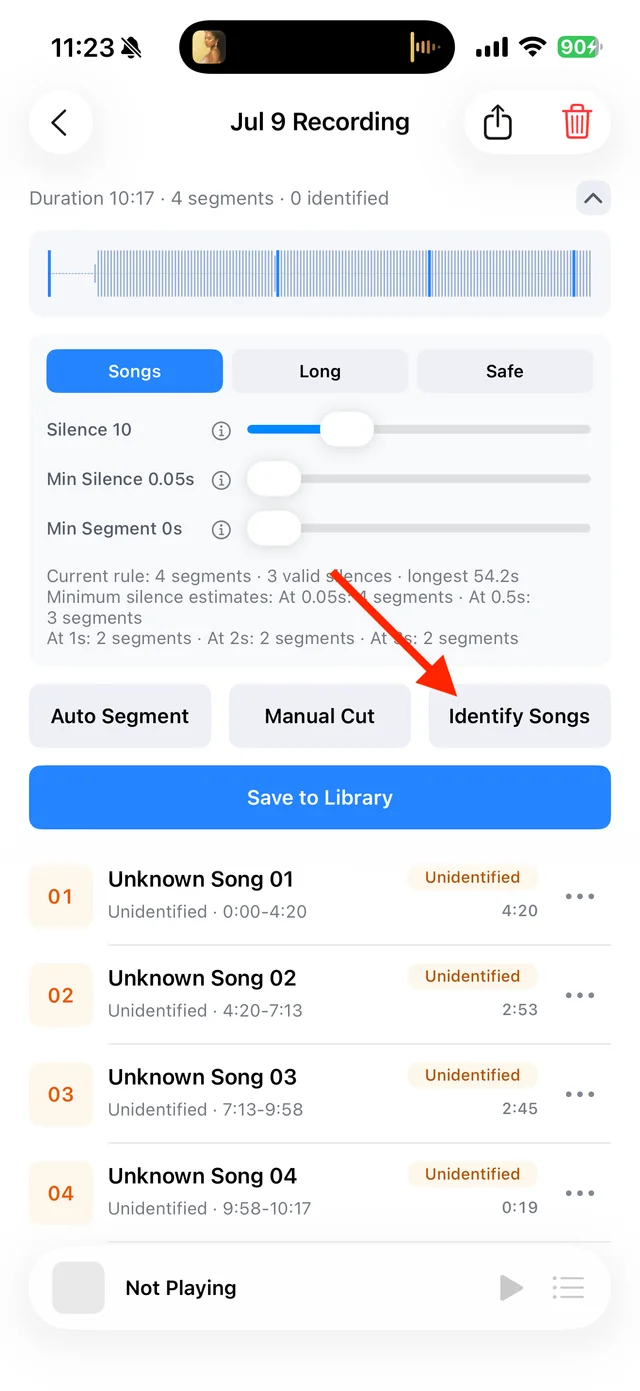
Check the recording’s segments Identify the songs
Stay connected to the internet and tap “Identify Songs”. Wait for the matches to appear.
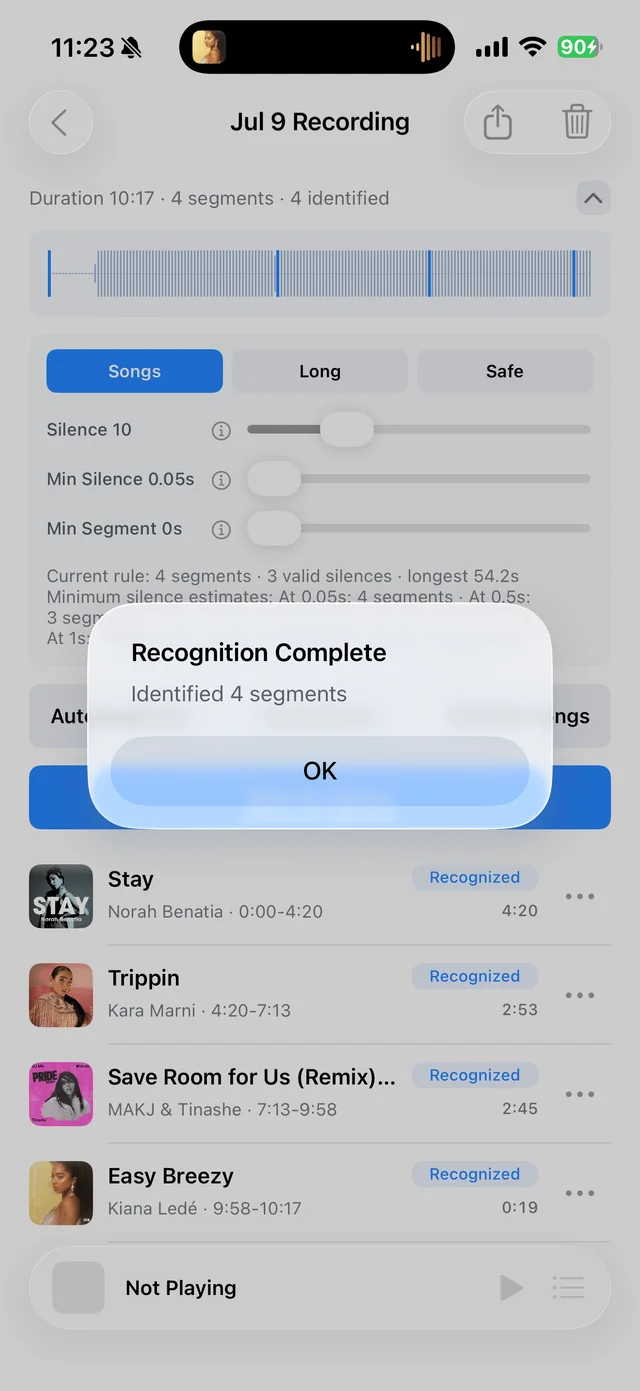
Check how many songs were identified Review the matches
Check the title, artist, and version, especially for live performances, covers, and remixes. Edit incorrect details from the track’s menu.
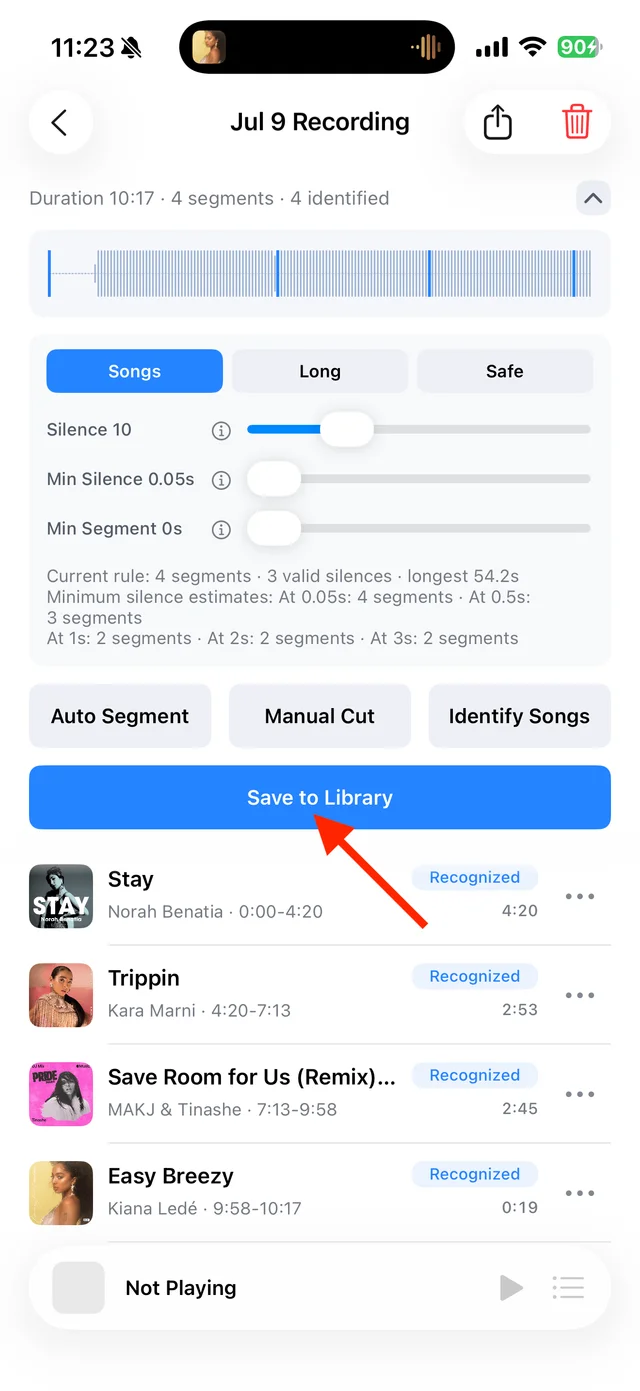
Review song details before saving Save the songs
Tap “Save to Library” and select the tracks you want. Identification alone does not save the recording to your Library.

Select and save songs 
Find identified songs in the Library
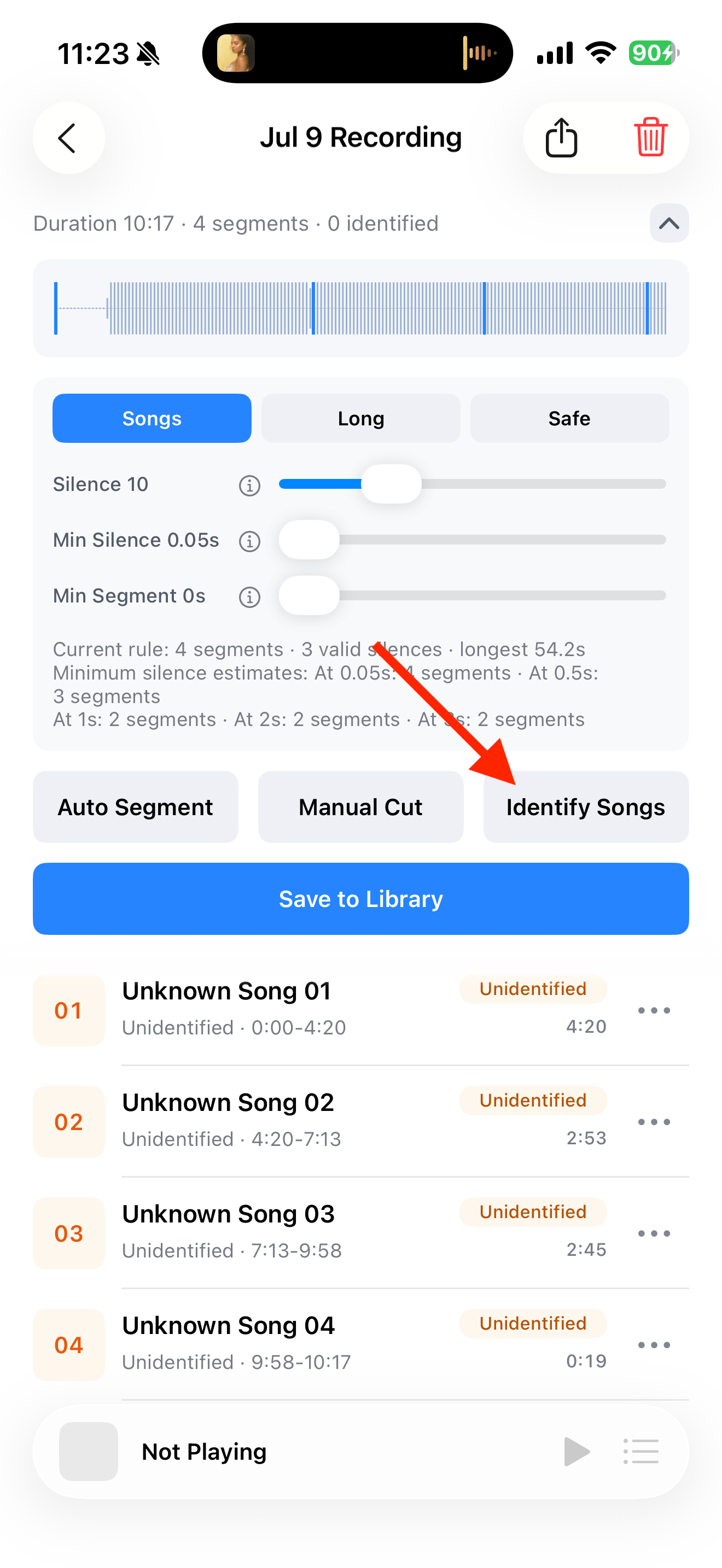


How do I identify several songs already in my Library?
Choose “Select” from the Library’s song-list menu, select the tracks, then tap “Recognize Again”. Check your selection first: identification can replace titles, artists, artwork, and review status.
Common questions
Can I save a song without a match?
Yes. Name it yourself and save it normally. Short clips, overlapping speech, or altered playback speed can make matching harder.
Can identification replace a title I entered myself?
Yes. Note any custom details you want to keep and select only the tracks you need to identify again.
Does canceling restore the previous information?
No. Canceling stops the remaining work; matches already completed are retained.