
Quick answer
When recording another app, keep your screen awake and the source playing. Once the audio is saved to TuneTrace, you can listen with the screen locked.
Step by step
4 stepsCheck Auto-Lock before starting
Open iPhone “Settings → Display & Brightness → Auto-Lock”. Choose a suitable duration, or temporarily choose “Never” if available. Some device settings may limit these options.
Start recording in TuneTrace
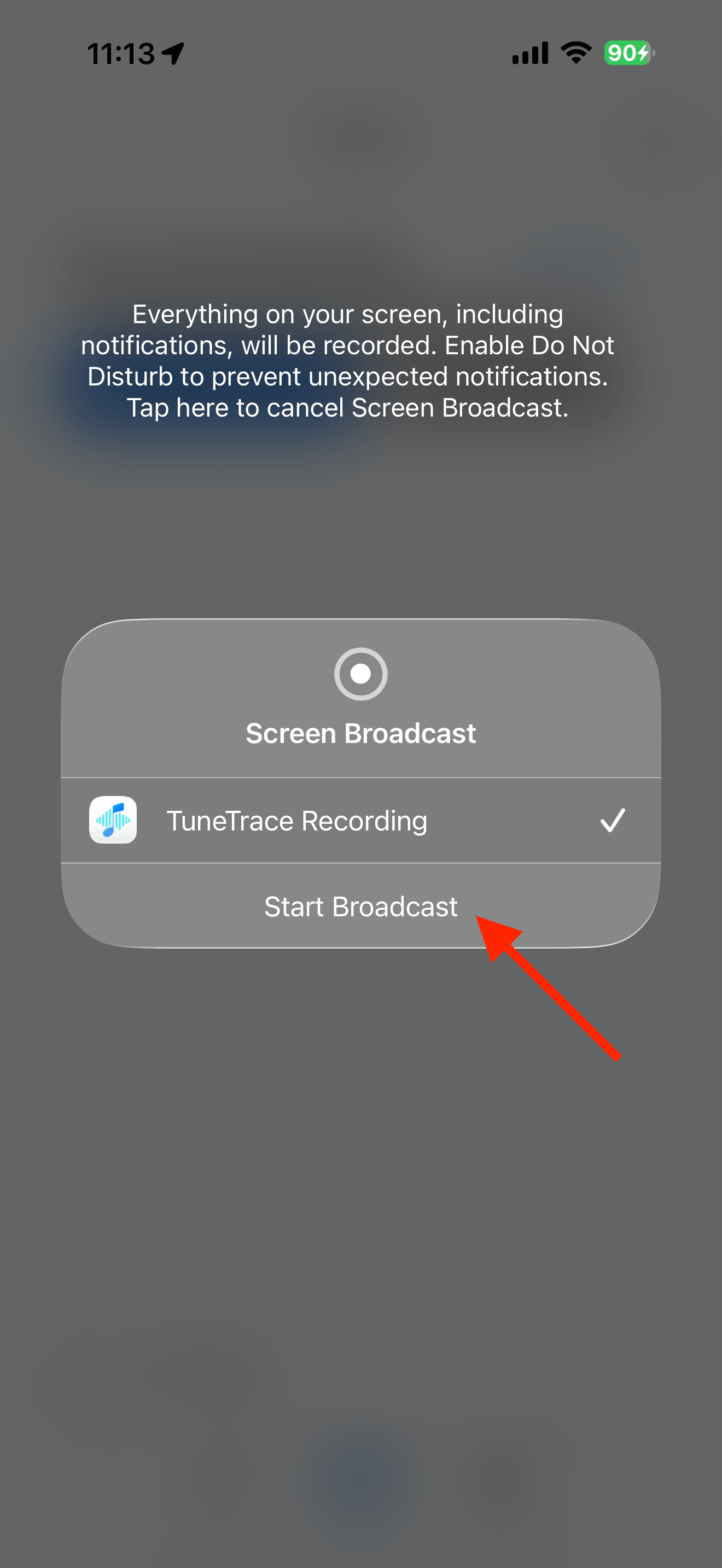
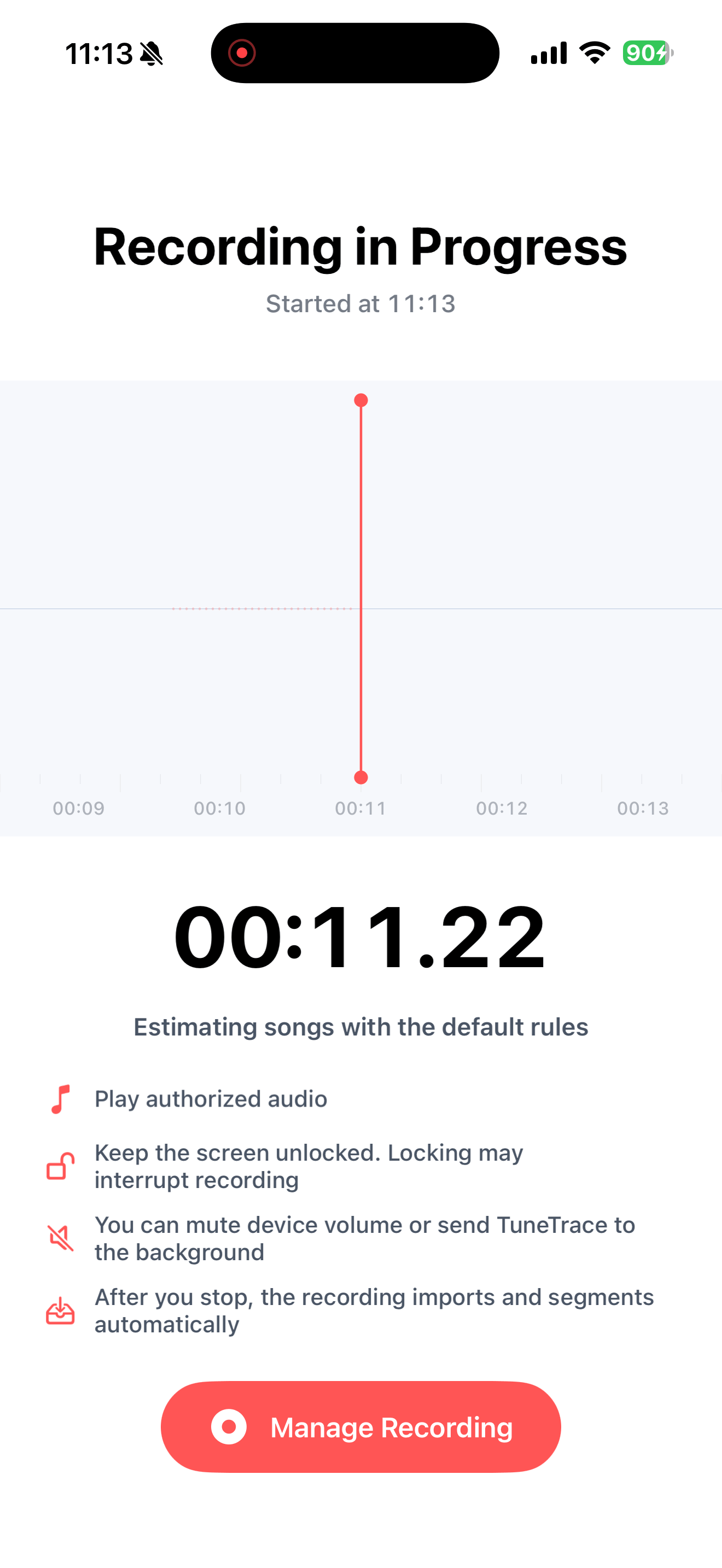
Tap “Start Recording”, then “Start Broadcast”. Once recording starts, close the dialog and return to the source app.
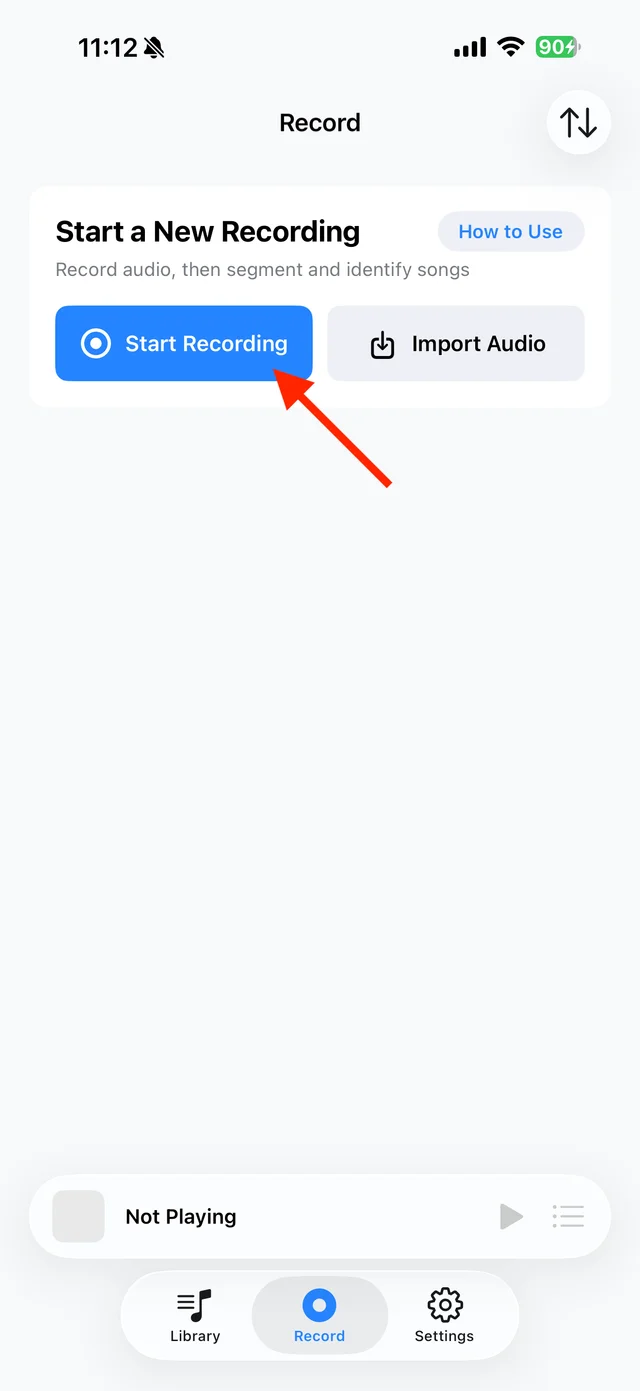
Open TuneTrace’s recording page 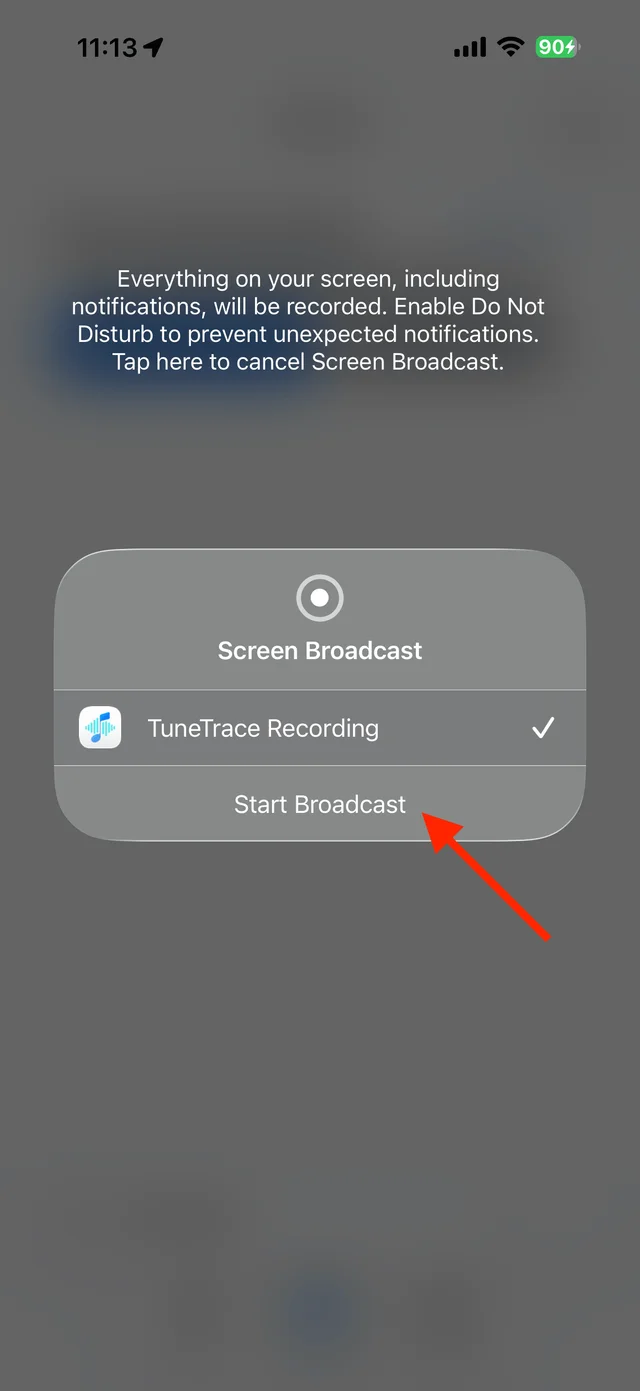
Start the broadcast in the system dialog Keep the source playing until the end
Leave the phone where you can check playback occasionally. When finished, stop the broadcast in TuneTrace and save. Restore your previous Auto-Lock setting afterward.
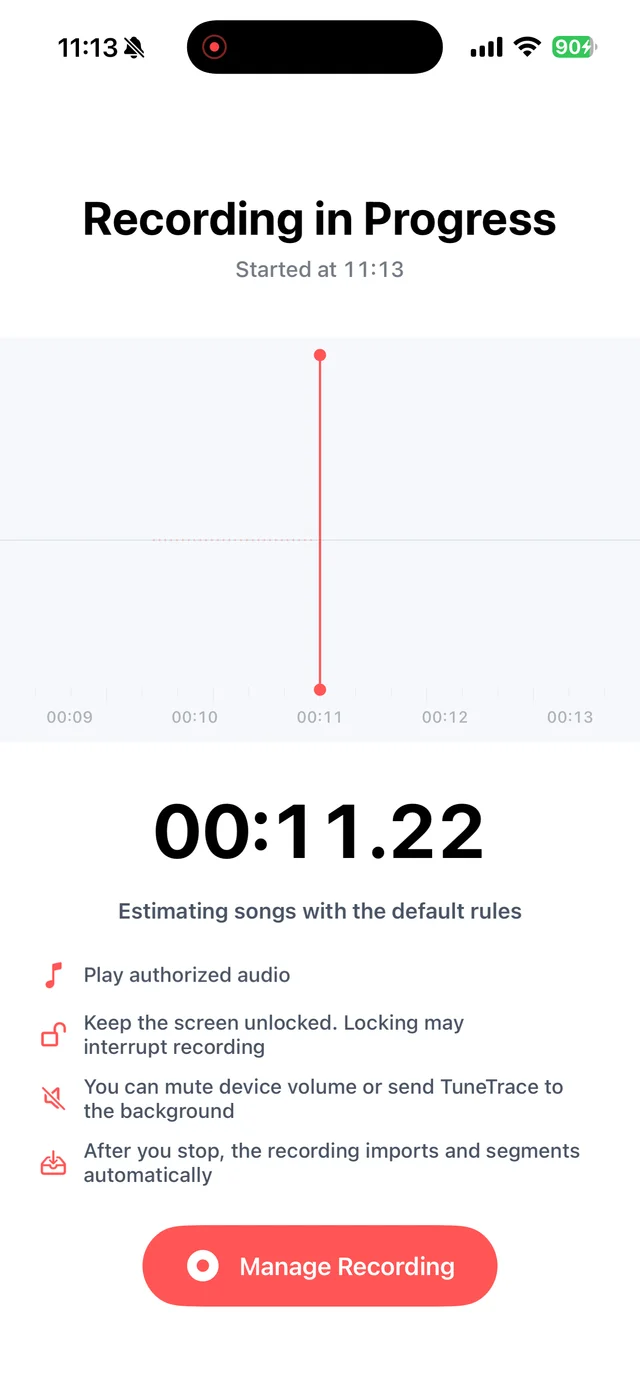
Leave the screen on while recording Lock the screen after saving
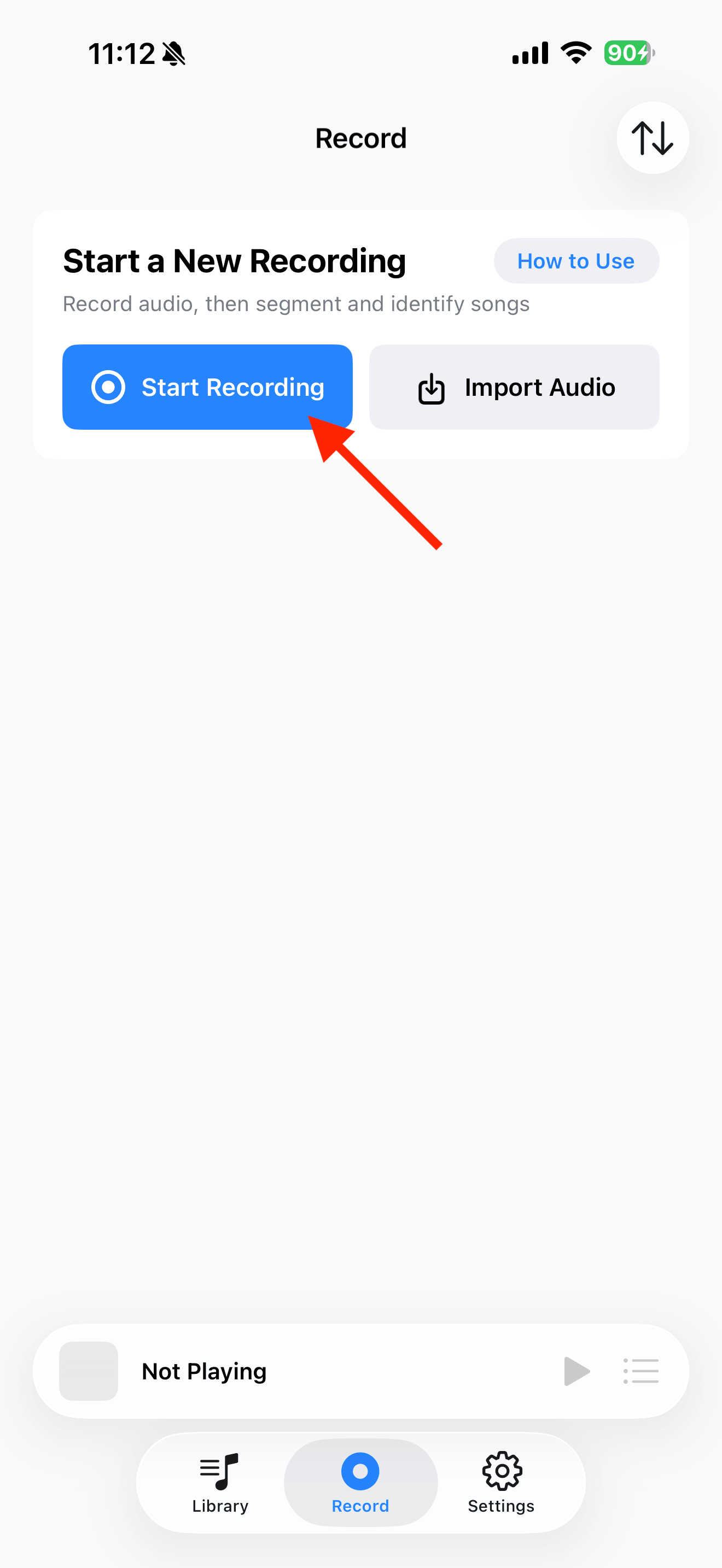
Play the saved audio from TuneTrace’s Library, lock the screen and check that playback continues. Use the lock-screen controls to pause or resume.

Playback progress, volume, and the player menu

Common questions
Why not record a whole playlist with the screen off?
Background playback and recording depend on the app and iOS. Keeping the screen awake lets you check that the source continues playing.
Can I lower the screen brightness?
Yes. Just make sure the screen stays unlocked and the source keeps playing.
Only record audio you have permission to save. The source app or iOS may restrict recording.